Author: seobase

  • Ahrefs bot in 2026: what it does, how to manage it, and smarter SEO alternatives

    Ahrefs bot in 2026: what it does, how to manage it, and smarter SEO alternatives

    ahrefs bot

    On this page

    If you see “ahrefsbot” or “ahrefs bot” in your server logs or analytics, you’re dealing with one of the most active SEO crawlers online. Ahrefs Bot, built by Ahrefs, scans millions of websites every day to collect SEO data like backlinks, keyword rankings, and technical issues. Unlike Googlebot, it doesn’t index your site for search results, but it powers Ahrefs’ SEO platform and tools such as Site Explorer and Site Audit.

    This guide explains how ahrefs bot works, how to verify real vs fake bot traffic, ways to control or block it, and whether allowing it helps your SEO. You’ll also see how ahrefs bot compares to other crawlers and smarter ways to manage bot traffic.

    Alt text: Screenshot of server logs highlighting Ahrefs Bot user-agent activity.


    How Ahrefs bot and AhrefsSiteAudit work
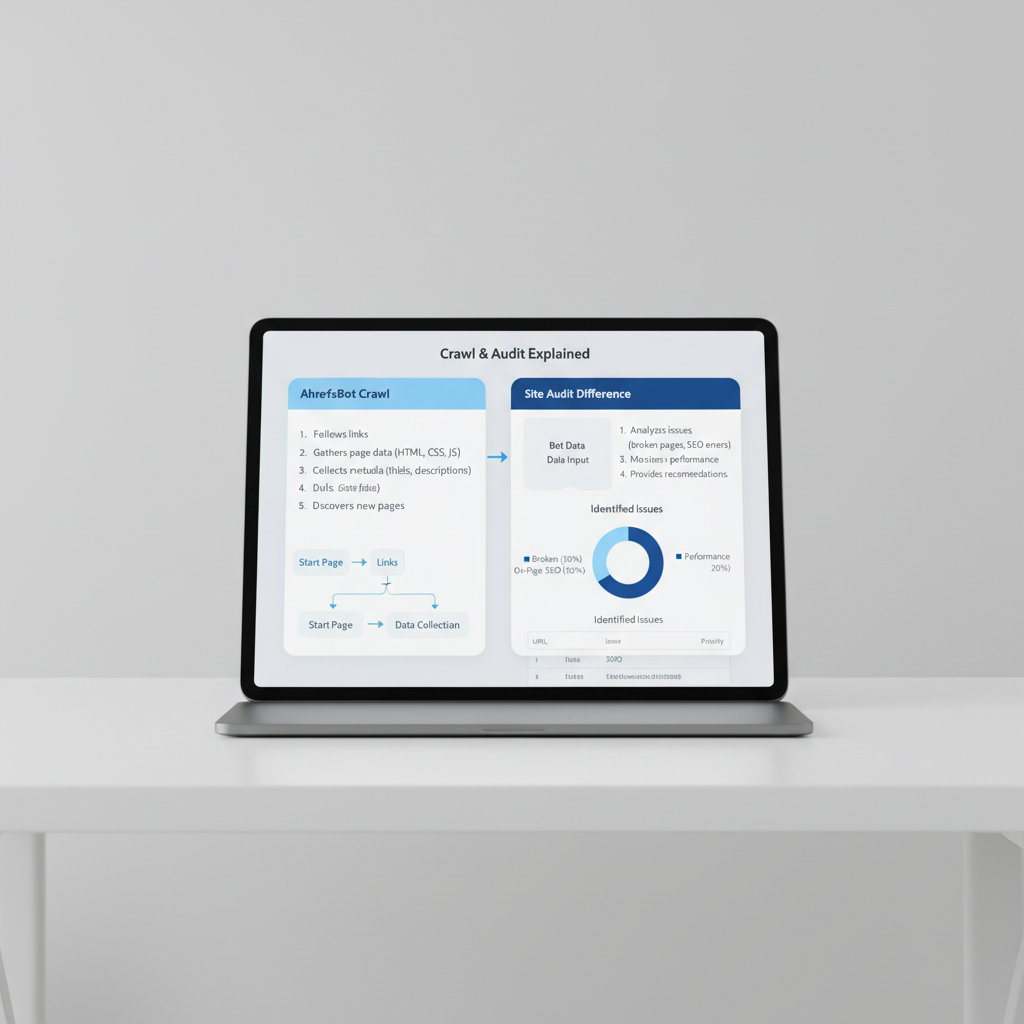
    How Ahrefs bot and AhrefsSiteAudit work

    What does Ahrefs bot crawl?

    Ahrefs Bot is the main crawler for Ahrefs. Its job is to map out the web by collecting link data, keywords, and technical signals for Ahrefs’ SEO tools. It focuses on backlink profiles and keyword rankings, not indexing content for search engines. According to Ahrefs, the bot crawls about 5 million pages per minute to fuel its link database and keyword research features (source).

    Look for the user-agent string "Mozilla/5.0 (compatible; AhrefsBot/7.0; +http://ahrefs.com/robot/)" in your logs to confirm real Ahrefs Bot visits. The bot respects robots.txt rules and crawl-delay directives, so you can control what it crawls and when. Edit your robots.txt file to allow, limit, or block it.

    How AhrefsSiteAudit differs

    AhrefsSiteAudit is a separate crawler used during Ahrefs’ site audit scans. It checks your site for technical SEO issues like broken links, duplicate content, and slow-loading pages. This bot’s user-agent is "Mozilla/5.0 (compatible; AhrefsSiteAudit/1.0; +http://ahrefs.com/robot/)". It only runs when someone starts a scan in the Ahrefs dashboard, so its crawling is more targeted and temporary.

    Both bots are transparent about their identity and purpose. Seeing these user-agents in your logs means you know which tool is crawling your site.


    How to verify real vs fake Ahrefs bot traffic

    IP and Reverse DNS checks

    Just spotting “AhrefsBot” or “AhrefsSiteAudit” in your logs doesn’t guarantee real Ahrefs traffic. Many fake bots spoof these user-agents. To confirm authenticity:

    1. Check the user-agent for “AhrefsBot” or “AhrefsSiteAudit”.
    2. Compare the IP to Ahrefs’ published ranges (available on their site).
    3. Reverse DNS lookup: The hostname must end with ahrefs.com or ahrefs.net.
    4. Forward DNS lookup: The hostname should resolve back to the original IP.

    If any step fails, you’re dealing with a fake crawler.

    Cloudflare and bot authenticity

    If you use Cloudflare, its bot management tools can auto-verify known crawlers like Ahrefs Bot by checking IP and handshake. Set a rule to allow real bots and challenge or block everything else. This approach helps filter out spoofed bots that only match the user-agent but fail IP or hostname checks.


    How much does Ahrefs bot crawl? impact on your site
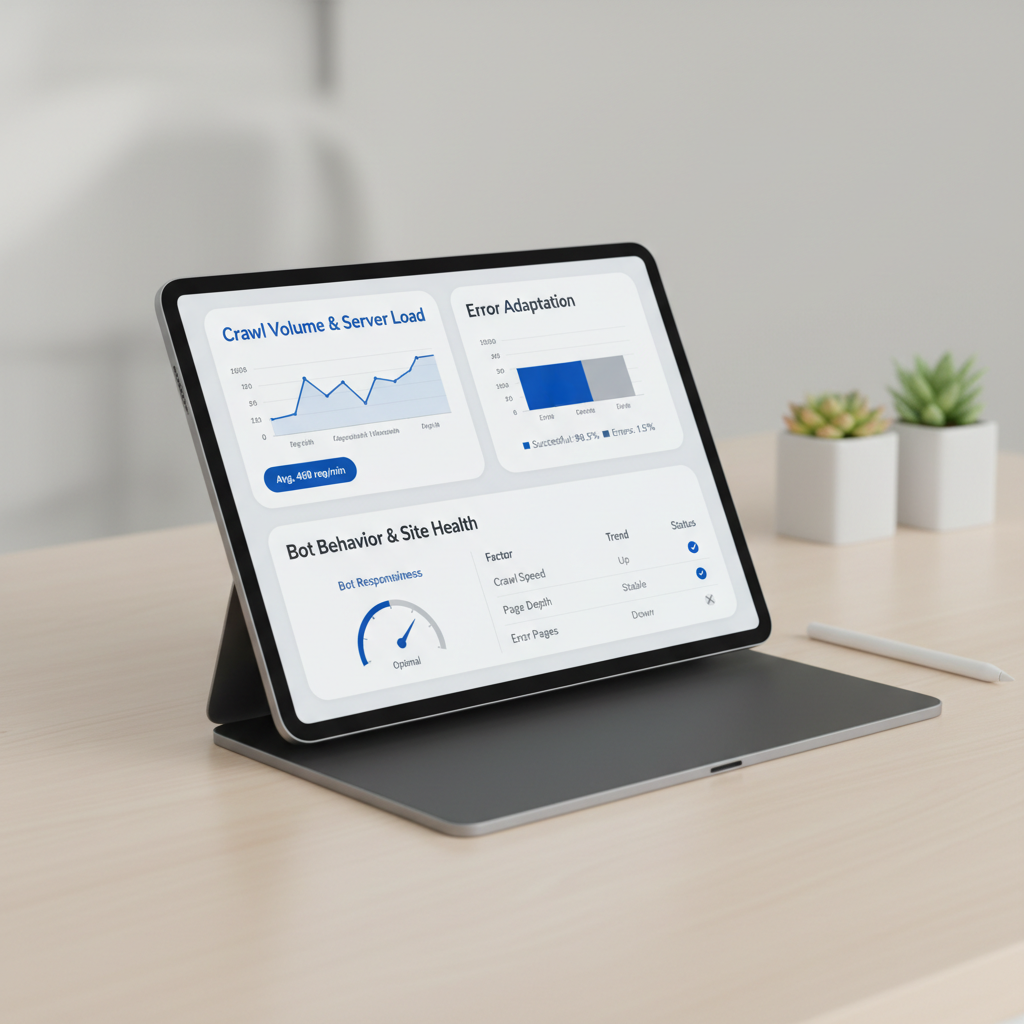
    How much does Ahrefs bot crawl? impact on your site

    Crawl volume and server load

    Ahrefs Bot crawls 5 million pages per minute (source). If you run a large site, you’ll notice its activity in your server logs. E-commerce sites with thousands of product pages often see Ahrefs Bot visiting hundreds or thousands of URLs in a session.

    For high-traffic sites, this crawl volume can affect bandwidth and server resources. If you’re on shared hosting or have limited resources, a spike from Ahrefs Bot (plus Googlebot and Bingbot) can increase CPU usage or slow your site. Use Cloudflare or similar services to set rules that limit or challenge bots without blocking them outright. Monitor your website status and logs for crawl surges and adjust your settings if needed.

    How Ahrefs bot adapts to errors

    Ahrefs Bot automatically reduces crawl speed if it encounters 4xx or 5xx status codes (source). For example, if your server returns a burst of 5xx errors, the bot will slow down to protect your bandwidth. This adaptive behavior means you don’t need to micromanage bot activity.

    Most sites won’t notice Ahrefs Bot unless they operate at scale. If you see server load spikes, check for crawl surges and adjust your robots.txt or server rules.


    How to allow, limit, or block Ahrefs bot with Robots.txt and server rules

    Robots.txt rules for Ahrefs bot

    Control bot access with your robots.txt file. To block Ahrefs Bot:

    User-agent: AhrefsBot
    Disallow: /
    

    To allow crawling:

    User-agent: AhrefsBot
    Allow: /
    

    To slow down Ahrefs Bot:

    User-agent: AhrefsBot
    Crawl-delay: 10
    

    Ahrefs Bot claims to respect Crawl-delay. To block AhrefsSiteAudit:

    User-agent: AhrefsSiteAudit
    Disallow: /
    

    Place your robots.txt at your root domain, like https://yourdomain.com/robots.txt. For format details, see Google’s robots.txt documentation.

    Advanced blocking: firewall and CDN

    If robots.txt isn’t enough, block Ahrefs Bot at the server or firewall. Filter by user-agent string or block their known IP ranges (listed publicly by Ahrefs, but IPs can change). Returning a 403 Forbidden or 429 Too Many Requests status code will make most crawlers, including Ahrefs Bot, back off.

    Cloudflare users can set up a bot fight rule to block or challenge Ahrefs Bot’s user-agent. For more control, consider IndexNow to notify partner search engines of updates, reducing the need for aggressive crawling.

    Automate your SEO workflow. Seobase researches keywords, generates content, and publishes directly to your CMS, no manual crawling or bot management. Try Seobase →


    Ahrefs bot vs Googlebot, Bingbot, and SEO tool crawlers
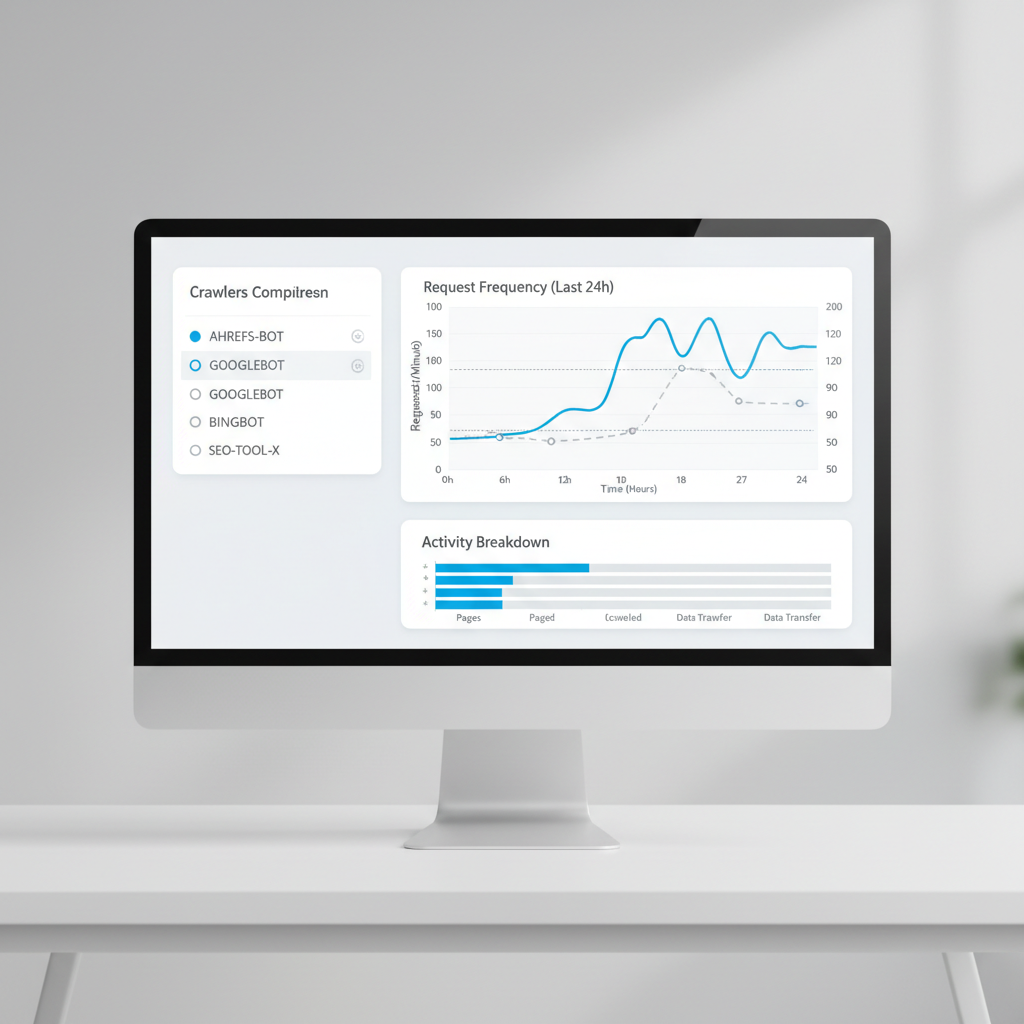
    Ahrefs bot vs Googlebot, Bingbot, and SEO tool crawlers

    Ahrefs Bot, Googlebot, and Bingbot all crawl your site, but for different reasons.

    • Ahrefs Bot: Focuses on mapping backlinks and keyword usage for Ahrefs’ SEO tools. It does not index your content for search results.
    • Googlebot: Crawls to index pages, check updates, and fuel Google Search rankings.
    • Bingbot: Similar to Googlebot, but for Microsoft Bing.

    Crawl rates: Googlebot is the busiest, often hitting large sites thousands of times per day. Bingbot crawls at a lower rate. Ahrefs Bot is active, especially on sites with many backlinks, but is less relentless than Googlebot.

    Resource use: Googlebot and Bingbot are optimized to minimize site impact. Ahrefs Bot focuses on link-heavy pages and skips deep internal content unless there’s strong backlink activity.

    Robots.txt respect: All three bots read your robots.txt rules and obey disallow directives when set correctly.

    Compared to third-party SEO tool crawlers (like SemrushBot or Screaming Frog), Ahrefs Bot is more focused on external signals. Site audit bots crawl your entire site structure, not just popular or linked pages.

    For more on SEO automation and content publishing, see Seobase’s features.


    Seobase: an automated alternative to manual SEO crawling

    How Seobase streamlines SEO

    Manual crawling means managing bots, bandwidth, and robots.txt settings. Seobase automates this process. It runs keyword research in the background, pulls from its own backlink index, and creates a content calendar. Approve content, and Seobase writes and publishes articles directly to your CMS, WordPress, Webflow, Shopify, and more.

    Seobase also generates AI images and embeds YouTube videos, so every post is ready for readers. Instead of maintaining a separate crawler or worrying about how much Ahrefs Bot crawls your site, Seobase handles audits and backlink checks inside the platform. Its built-in backlink exchange helps you find partners and monitor links without leaving the dashboard.

    When to choose automation over manual crawling

    If your team spends too much time on repetitive SEO tasks, like site audits, keyword research, or crawl reports, automation is the smarter choice. Seobase is designed for teams who want to focus on strategy, not crawl management.

    Manual crawling still makes sense if you need granular control or want to scrape competitor sites outside standard APIs. For most content-driven sites, automating research and publishing with Seobase saves time and reduces complexity.

    For more details, visit Seobase’s homepage.


    Key takeaways: managing Ahrefs bot and smarter SEO in 2026

    Managing Ahrefs Bot comes down to control, verification, and automation. Ahrefs Bot is a major crawler that powers ahrefs.com, but letting fake or aggressive crawlers through can waste bandwidth. Always check the user-agent and IP to confirm you’re dealing with the real bot.

    Use your robots.txt file or firewall rules to guide or limit Ahrefs Bot. For example, a Disallow directive in robots.txt blocks the bot from specific folders. Firewalls let you block by user-agent or IP range for more control.

    Don’t set and forget. Fake user agents are common in 2026. Confirm IPs match official Ahrefs ranges, not just the name in your logs. Spikes in crawl volume often signal a problem.

    For most sites, automating SEO is more efficient. Seobase handles keyword research, content planning, and publishing, so you don’t have to worry about rogue bots or complex rules.

    Control your crawl and own your SEO. This keeps your site fast, secure, and moving up in search.


    Frequently asked questions

    What is Ahrefs bot and what does it do?

    Ahrefs Bot is a web crawler operated by Ahrefs. It scans websites to collect backlink, keyword, and site audit data for Ahrefs’ SEO tools and Yep.com search engine.

    How can I block or allow Ahrefs bot on my website?

    Edit your robots.txt file. Use User-agent: AhrefsBot followed by Disallow: / to block or Allow: / to permit crawling.

    How do I verify if Ahrefs bot traffic is legitimate?

    Check the user-agent for “AhrefsBot,” confirm the IP is in Ahrefs’ published ranges, and use reverse DNS to ensure it resolves to ahrefs.com or ahrefs.net.

    What is the difference between Ahrefs bot and AhrefsSiteAudit?

    Ahrefs Bot gathers backlink and keyword data. AhrefsSiteAudit scans sites for technical SEO issues. Each uses a distinct user-agent string.

    Does Ahrefs bot respect robots.txt and crawl-delay settings?

    Yes, Ahrefs Bot follows robots.txt directives and honors crawl-delay instructions to slow down crawling if requested.

    How can I reduce the crawl rate of Ahrefs bot?

    Set a crawl-delay in your robots.txt file or return 4xx/5xx status codes temporarily. This signals Ahrefs Bot to slow its crawling speed.

    Why is Ahrefs bot crawling my site?

    Ahrefs Bot crawls public websites to update its backlink and keyword index, which powers Ahrefs’ SEO tools and Yep.com search results.

    How does Ahrefs bot compare to Googlebot or Bingbot?

    Ahrefs Bot focuses on SEO data collection. Googlebot and Bingbot crawl for search engine indexing. All respect robots.txt, but their crawl rates and goals differ.


    For more SEO automation tips and guides, check out Seobase’s blog and features overview.
  • Automated link building in 2026: tools, tactics, and results

    Automated link building in 2026: tools, tactics, and results

    automated link building

    Automated link building uses software and artificial intelligence to find target websites, draft customized outreach pitches, and track backlink profiles. Instead of contacting site owners manually, modern SEO teams use automation to handle prospect discovery and email delivery. This strategy helps growth teams build contextually relevant backlinks faster while keeping domain profiles safe.

    Platforms such as Seobase, Ahrefs, and Lemlist handle complex tasks like identifying broken links, analyzing competitor backlink profiles, and sending follow-up emails. By using an automated content platform, you can scale your link acquisition without spending hours on spreadsheet management.

    This guide outlines how to build efficient link building workflows that yield consistent search engine visibility.

    TL;DR: Automated link building in 2026 uses AI-powered tools like Seobase to scale outreach, personalize emails, and monitor results, earning more quality links safely and efficiently.

    On this page

    Why automate link building in 2026?

    automated link building — Why automate link building in 2026?

    Manual outreach takes too long and yields inconsistent results. Finding contact details, writing individual pitches, and following up manually often consumes twenty hours a week just to gain two or three backlinks.

    Data shows that 73% of marketers who build links manually acquire fewer than 10 links per month. You cannot compete with aggressive search competitors if you rely only on manual spreadsheets.

    That productivity gap explains why 86% of SEO professionals now use AI tools inside their strategies. Automated workflows handle repetitive tasks so you can focus on strategy. Smart platforms manage target discovery, verify contact data, and monitor response rates automatically.

    Manual Outreach Workflow:
    [Search Target] -> [Find Email] -> [Draft Pitch] -> [Send Email] -> [Manual Follow-up]
    Result: High effort, 1-3 links per week
    
    Automated Outreach Workflow:
    [AI Target Discovery] -> [Quality Score Filter] -> [AI Pitch Generation] -> [Automated Delivery & Tracking]
    Result: Scalable growth, 2-4 links per 100 emails
    

    Risks and rewards: avoiding penalties and maximizing ROI

    Sending generic bulk emails will quickly damage your primary sending domain. Search engine algorithms and email providers flag non-personalized campaigns that attempt to manipulate backlinks at scale. If search engines detect unsegmented link spam, your site risks manual penalties that drop organic traffic.

    Using modern, tailored workflows yields strong results. Outreach campaigns that use custom variable inputs and personalized pitch angles land 2-4 high-authority links per 100 emails sent.

    Risk Level    Strategy                     Expected Outcome
    High          Unfiltered bulk email        Domain burned, spam flag, manual penalties
    Medium        Basic template merge         Low open rates, 0.5% conversion rate
    Low           AI personalization + verification  2-4% conversion, safe link velocity
    

    To maximize ROI without risking penalties, follow these core safety guidelines:

    1. Verify Target Metrics: Audit prospective domains for organic traffic, domain rating, and outbound link ratios before reaching out.
    2. Cap Daily Email Volume: Keep daily cold outreach volume below 50 emails per address to protect sender reputation.
    3. Vary Anchor Text: Avoid exact-match anchor text spikes across multiple placements.
    4. Enforce Personalization: Reference specific content details, such as recent article topics or published research data, in every message.

    Top automated link building tools compared

    automated link building — Top automated link building tools compared

    Choosing the best software depends on where your manual workflow stalls. If prospecting takes up most of your time, tools like Ahrefs simplify backlink analysis. The Link Intersect tool highlights websites that link to multiple competitors but do not link to your site yet. You can export thousands of targets, track backlink additions, and find broken resource pages.

    Outreach AI SEO automation vs traditional SEO agencies: which wins in 2026? platforms then manage the communication side of your campaign.

    Automated link building software dashboard displaying prospect lists, target domain metrics, and outreach email performance stats

    Here is how top automated tools stack up for different link building tasks:

    Software Core Function Primary Strengths Best Used For
    Seobase End-to-end SEO & Backlink Exchange Built-in backlink exchange, keyword discovery, automated publishing Content-led link acquisition and publishing
    Ahrefs Backlink Analysis Link Intersect tool, broken link discovery, bulk data export Competitor gap research
    Lemlist Outreach Automation Inbox warmup, dynamic image personalization, conditional multi-step sequences Cold email delivery
    Hunter.io Email Discovery Verified contact scraping, domain search API, bulk verification Prospect contact enrichment
    BuzzStream CRM & Placement Tracking Target relationship tracking, email thread history, placement monitoring Team outreach management

    Integrating your tool stack

    Using these software solutions together creates an efficient link building system:

    • Use Ahrefs or Seobase to pull target URL sets based on competitor link profiles.
    • Run target domain lists through Hunter.io to locate verified editor email addresses.
    • Load enriched contact lists into Lemlist to run personalized email sequences.
    • Track acquired placements inside Seobase or BuzzStream to ensure link retention.

    How AI powers smarter, safer link outreach

    Cold outreach used to rely on sending generic templates to massive email lists. Modern natural language generation improves this process by evaluating a target page’s recent content and writing customized pitches. Instead of basic mail merges, these systems reference specific paragraphs, author names, or core themes. You send tailored pitches that read like individual messages while saving hours of manual writing.

    Finding high-value targets requires looking beyond basic domain authority metrics. AI-driven link quality scoring audits target sites for low-quality link networks, sudden traffic drops, and excessive outbound links. Low-quality sites are filtered out automatically before outreach begins.

    Target URL Input
           │
           ▼
    ┌─────────────────────────────────────────┐
    │ AI Quality Audit                        │
    │ ├─ Check organic traffic trends         │
    │ ├─ Detect outbound link farm patterns   │
    │ └─ Verify topic relevance               │
    └─────────────────────────────────────────┘
           │
           ├──────────────────────────┐
           ▼                          ▼
     [ Fails Audit ]            [ Passes Audit ]
           │                          │
           ▼                          ▼
      Reject Target             Extract Core Topics
                                      │
                                      ▼
                                Generate Pitch
    

    Anatomy of an AI-assisted outreach pitch

    An effective AI pitch uses context from the destination page to offer immediate value to the editor.

    • The Hook: Mentions a specific point or statistic from the recipient’s recent article.
    • The Value Add: Identifies a broken link or an outdated resource on their page.
    • The Pitch: Introduces your updated article, guide, or asset as a direct replacement.
    • The Call to Action: Asks a simple, non-demanding question to start a conversation.

    Using an AI keyword research tool helps you spot content gaps so your pitches offer genuine value to site owners.

    Skip the manual work. Seobase runs keyword research, briefs, drafting, internal linking, and publishing in one workflow, from first keyword to published post, without the busywork. Try Seobase →

    Monitoring, reporting, and scaling your link campaigns

    automated link building — Monitoring, reporting, and scaling your link campaigns

    Tracking campaign metrics keeps your domain profile healthy while showing which strategies deliver results. Once your outreach emails go out, dedicated tracking tools verify live placements and check link attributes over time.

    Tracking live links and lost opportunities

    Automated monitoring tools alert you when a site owner modifies a page or removes your backlink. Webmasters regularly update old posts, alter site layouts, or change URL structures during site migrations. When Ahrefs or BuzzStream flags a lost backlink, you can send a quick follow-up email to help the webmaster fix the missing link.

    Tracking broken pages on target websites also reveals new outreach opportunities. Finding a dead resource link on an industry blog gives you a clear reason to offer your published content as a replacement.

    Managing velocity and campaign health

    Monitoring link acquisition velocity prevents sudden backlink spikes that can trigger search engine spam filters. Search engine algorithms look for steady link growth over time.

    If a website acquires hundreds of backlinks in a single day and then stops completely, algorithms may flag that pattern as unnatural manipulation. Consistent acquisition protects domain health.

    Unnatural Acquisition Curve:
    Links
     │     /
     │    /  
     │___/    __________________
     └──────────────────────────── Time
    
    Natural Acquisition Curve:
    Links
     │               _--*
     │           _--*
     │       _--*
     │____--*
     └──────────────────────────── Time
    

    Tracking outreach performance metrics helps you fix bottlenecks in your acquisition funnel:

    • Open Rate (Target: >50%): Low open rates mean your email subject lines need testing or your email sender reputation is dropping.
    • Response Rate (Target: >8-12%): Low response rates indicate your pitch offers insufficient value or lacks personalization.
    • Conversion Rate (Target: 2-4%): Low link conversion rates mean your target content does not match the recipient’s audience.

    Tracking these numbers gives you clear data to refine subject lines, targets, and content offers.

    Case study: automated link building in action

    A mid-sized SaaS business replaced manual link building spreadsheets with an automated workflow using Seobase. The switch eliminated their primary growth bottleneck.

    Before automating their workflow, the marketing team spent 25 hours per week researching websites, searching for contact details, and writing individual emails.

    Metric                 Before Automation      After Automation
    Weekly Time Spent      25 hours               4 hours
    Acquired Links/Month   4 links                18 links
    Placement Cost         High (Manual labor)    Low (Tool-driven)
    Organic Traffic Growth Baseline               +180% over 6 months
    

    The original challenge

    Manual outreach could not scale efficiently. The team acquired only four backlinks per month. Most site owners ignored generic cold emails, and team members spent hours tracking conversations across separate spreadsheets.

    The automated solution

    The company implemented an integrated automation process:

    1. They pulled competitor backlink profiles using automated discovery software.
    2. They filtered target domains automatically, rejecting sites with under 1,000 monthly visitors.
    3. They generated personalized pitch drafts using natural language tools to reference recent site articles.
    4. They managed content exchanges and verified live placements using Seobase.

    The key results

    Within six months, the team increased acquisition from 4 to 18 high-authority backlinks per month. Their overall outreach effort dropped from 25 hours down to 4 hours per week.

    Higher backlink acquisition sped up keyword indexing and led to a 180% increase in overall organic search traffic.

    Your next step: automate link building with confidence

    Manual link outreach takes time away from strategic marketing tasks. Switching to automated link building lets software handle prospect research and message follow-ups while you retain control over your overall strategy.

    Setting up an automated workflow involves five straightforward steps:

    Step 1: Set Target Criteria (Domain Rating, Organic Traffic, Niche Relevance)
       │
       ▼
    Step 2: Collect & Verify Contacts (Domain APIs & Verification Tools)
       │
       ▼
    Step 3: Create AI Personalization Sequences (Custom Context Fields)
       │
       ▼
    Step 4: Throttle Delivery Caps (<50 emails/day per inbox)
       │
       ▼
    Step 5: Track Retention & Monitor Velocity (Weekly Backlink Audits)
    

    By setting clear domain filters and maintaining personalized messaging, you can scale backlink acquisition safely. Review your current outreach process, choose the right tools for your bottlenecks, and build a system that delivers predictable organic growth.

    If you want to speed up your search growth, explore how Seobase tools help you plan content, track keywords, and manage backlinks in one platform.

    Frequently asked questions

    What is automated link building and how does it work?

    Automated link building uses AI software to discover target websites, write custom email pitches, and track acquired backlinks. These platforms replace manual outreach steps, helping teams gain authority backlinks faster while keeping data accurate.

    Are automated link building tools safe for SEO?

    Yes, when implemented correctly. Safe tools focus on targeted, contextually relevant outreach rather than mass email spam. Choose tools with built-in quality scoring and domain filters to protect your domain reputation.

    Which tools are best for automated link building?

    Top tools include Seobase, Ahrefs, Lemlist, Hunter.io, and BuzzStream. Each software handles a specific phase of the workflow, including competitor gap analysis, email discovery, and placement tracking.

    How can I avoid search engine penalties when automating link building?

    Personalize every pitch, vary your anchor text, and reach out only to relevant websites with verified search traffic. Monitor your monthly link acquisition velocity and follow email compliance standards like GDPR and CAN-SPAM.

    What ROI can I expect from automated link building?

    Automating outreach increases link conversion rates and cuts manual labor costs. Well-structured campaigns yield 2 to 4 high-authority backlinks per 100 emails

  • Keyword article example: how to write high-impact research keywords

    Keyword article example: how to write high-impact research keywords

    keyword article example

    Picture searching for a keyword article example in Google Scholar and finding your own research right at the top. That only happens because you chose the right keywords. Keywords act as the handshake between your research paper and search engines like Google Scholar or PubMed, telling them exactly where your work belongs.

    The keywords you select decide if your article pops up when someone enters a search, or if it sits buried under a pile of less relevant results. If you use clear, targeted keywords in your title and abstract, your work gets noticed, cited, and tracked, directly affecting your h-index and citation counts. A strong keyword strategy isn’t a bonus; it’s essential if you want your paper to reach beyond your lab or campus.

    This guide breaks down how effective keyword selection shapes your research reach, using concrete examples and tactics you can use right away.

    TL;DR: To maximize research visibility, choose keywords that expand your indexing footprint. Instead of repeating your title, use synonyms, MeSH terms, and specific LSI phrases to ensure your work appears in diverse scholarly database searches.

    On this page

    The keyword-to-citation pipeline: beyond simple labeling

    keyword article example — The keyword-to-citation pipeline: beyond simple labeling

    Specific keyword choices do more than just label your article, they shape how semantic search engines surface your work. Pick a phrase like “CRISPR gene editing” instead of just “genetics,” and you’ll show up for researchers using advanced search tools, not just broad Google queries. Semantic search looks for meaning, not just word matches, so tight keyword-to-concept alignment matters. If you’re writing about a new algorithm, using both “deep learning” and the niche name (“Capsule Networks”) helps you appear in both general and technical searches.

    Keyword variety isn’t just for vanity. More keyword angles mean more ways your article can be found, which directly affects download rates and altmetrics. For example, an article with only “machine learning” as a keyword might get buried, while one that also tags “reinforcement learning,” “policy gradients,” and “robot navigation” pops up in more search results and citation alerts. That’s how you grow your footprint, and your h-index follows.

    Mapping niche technical terms to broader concepts is a tactical move. Say your research paper focuses on “quantum dot photodetectors.” Not everyone searches for that. Add “optoelectronics” and “semiconductor devices” as keywords, and you’ll catch a wider net, people looking for related but less specific topics. This is how you bridge the gap between specialists and generalists.

    Title-keyword redundancy is a simple but overlooked strategy. If your title is “Efficient Graph Neural Networks for Social Network Analysis,” repeat “graph neural networks” and “social network analysis” in your keywords. This overlap boosts both human and algorithmic discovery. Search engines and academic databases often weigh title and keyword matches higher, so this tactic pays off fast.

    For a hands-on walkthrough of finding keywords that actually drive discovery, check out this step-by-step guide to finding low-hanging fruit keywords. The right keywords aren’t just labels, they’re your pipeline to more readers, more citations, and a stronger academic profile. That’s how you get found.

    Keyword article example: real-world application patterns

    Medical example: from ‘nursing’ to ‘human lactation’

    Say you’re writing a research paper on breastfeeding support. Using the broad keyword nursing in your title or abstract will pull in search results for everything from hospital staff to wound care. Instead, using the more specific phrase human lactation targets your article to researchers and clinicians focused on breastfeeding, milk production, and related health outcomes. Search engines and academic databases pick up on this precision, so your article actually lands in front of the right audience. That’s the difference between being buried in generic results and being cited by the people you want.

    Environmental example: SDG-relevant research tags

    Environmental science articles often need to connect with global goals. If your research supports sustainable development goal keywords, like “clean water” or “climate action”, including these phrases in your title and abstract makes your work show up under SDG-relevant research filters. For example, a study on urban water quality should use “SDG 6: Clean Water and Sanitation” as a tag or keyword. That way, funders, policymakers, and other researchers searching by SDG can actually find and use your work. If you just use “water” as a keyword, you’ll get lost in a flood of unrelated articles.

    Mathematical example: control variables as identifiers

    In math and statistics, keywords need to be precise. If your article discusses regression models, using “control variables” as a keyword signals that your work deals with factors held constant to test relationships. But if you specify “control variable: socioeconomic status,” you help search engines and readers find research that matches their exact interest. This matters for anyone scanning search results for articles that use specific controls, not just general methods.

    Single words vs. multi-word phrases

    Single-word keywords like “pollution” or “education” cast a wide net but often miss the mark. Multi-word phrases, like “air pollution exposure” or “early childhood education”, act as laser pointers. They tell search engines and readers exactly what your article covers. That’s how you get found by the right people, not just more people. Precision wins.

    A 5-step framework for developing high-impact keywords

    keyword article example — A 5-step framework for developing high-impact keywords

    1. Start with the 5 ws to map your core concepts

    Break down your topic by asking: Who, What, Where, When, and Why. For a research paper on “diabetes management in teenagers,” you get these core concepts: diabetes, management, teenagers. This step stops you from chasing random keywords and keeps your list focused on what actually matters.

    2. Check controlled vocabulary and MeSH terms

    Controlled vocabularies like MeSH (Medical Subject Headings) help you match the terms used by databases and search engines. For example, “Heart Attack” in plain English maps to “Myocardial Infarction” in MeSH. Always cross-check your keywords against the official subject headings, otherwise, your article might miss the search results researchers actually use.

    3. Build out LSI keyword clusters

    Latent Semantic Indexing (LSI) clusters are groups of related terms that help search engines understand your article’s context. For a keyword article example about asthma, LSI terms might include “bronchodilator,” “airway inflammation,” and “peak flow meter.” Tools like Free LSI Keyword Finder | Seobase can surface these clusters fast. Sprinkle these LSI keywords in your title, abstract, and body to boost relevance.

    4. Audit for redundancy and synonym coverage

    Scan your keyword list for repeats and close synonyms. If you use “hypertension” and “high blood pressure” in the same title, you’re wasting space, pick one for the title and use the other in the abstract. This keeps your article sharp and helps you cover more search queries without sounding robotic.

    5. Check database indexing requirements

    Before finalizing your keywords, check the indexing rules for your target databases. PubMed, for example, requires at least two MeSH terms per article, while other databases may have their own quirks. Missing these requirements means your research paper might not show up in search results at all.

    Dial in your keywords with this framework, and you’ll hit both human readers and search engines, no wasted effort.

    Common keyword mistakes that hide your research

    Choosing the wrong keywords can bury your research in search results, even if the science is rock solid. Here’s where most people slip up, and how to keep your work findable.

    Going too broad

    Generic keywords like diet or cancer drown your article in a sea of results. Search engines and databases favor specificity. For example, if your research paper focuses on how dietary glucose intake affects Type 2 diabetes, use dietary glucose intake instead of just diet. This way, your article surfaces for readers actually looking for your topic, not just anyone interested in food or health.

    Overusing abbreviations

    Abbreviations look tidy but can backfire fast. Not all fields agree on what a shorthand means. For instance, T2DM might mean Type 2 Diabetes Mellitus to you, but some databases won’t recognize it unless you also include the full term. If your keywords are just a string of abbreviations, you risk missing readers who search with full phrases. Always pair abbreviations with their expanded forms in your title, abstract, and keyword list.

    Repeating title words only

    Relying only on words from your article’s title is a rookie move. Say your title is “Effects of High-Fiber Diet on Gut Microbiota.” If you only use diet, gut, and microbiota as keywords, you miss out on related terms like intestinal flora or prebiotic nutrition. Synonyms and related phrases catch more search queries. That math compounds fast.

    Ignoring controlled vocabulary

    Many journals require you to use a controlled vocabulary, like MeSH in medical journals, for keywords. Skip this, and your paper might not get indexed properly. For example, if you use heart attack instead of the MeSH term myocardial infarction, your research could be invisible to systematic searches. Always check the journal’s indexing rules before finalizing your keyword list.

    Missing journal indexing constraints

    Every journal has its quirks. Some limit you to five keywords, others want at least one from their official list. If you ignore these constraints, your submission might get bounced back or, worse, published but never indexed. Always review the author guidelines and match your keywords to their requirements.

    Smart keyword choices make your research visible. Sloppy ones hide it. Don’t let your article vanish.

    Skip the manual work. Seobase runs keyword research, briefs, drafting, internal linking, and publishing in one workflow, from first keyword to published post, without the busywork. Try Seobase →

    Scaling your content with AI-assisted optimization

    keyword article example — Scaling your content with AI-assisted optimization

    Let LLMs build your topic map

    Large language models (LLMs) can spot patterns in your content and group related keywords into clusters, fast. Instead of sorting through hundreds of terms by hand, you can feed your keyword list into a tool like Seobase and get back organized topics that make sense for both writers and search engines. For example, if you’re publishing articles about electric cars, LLMs might group “EV charging,” “battery range,” and “Tesla Model 3 review” under one cluster. That’s hours saved.

    Automate keyword research at scale

    Manual keyword research breaks down when you’re planning to publish at scale. LLM-powered tools can scrape the top search results, analyze title abstracts, and pull out keywords that actually appear in high-ranking articles. With Seobase, you can automate this process: upload a list of seed topics, let the system expand it into hundreds of long-tail keywords, and even run a Free Keyword Density Analyzer | Seobase to see what terms your competitors use most. This means you don’t miss hidden opportunities, like a keyword article example that’s driving traffic with a phrase you never thought to target.

    Feed your content calendar with data

    Once you have clusters and keywords, the next step is to plug them into your content calendar. Map each topic cluster to a specific week or month, assign writers, and track which articles cover which terms. Say your research paper cluster includes “how to write a title abstract” and “best citation tools”, schedule those back-to-back, so your site builds topical authority. This keeps your publishing pace steady and ensures you use keywords with intent, not guesswork.

    AI doesn’t just speed up the process. It helps you spot gaps, fill them with targeted articles, and align your keyword strategy with what search engines actually reward. That’s how you scale content without losing focus.

    Mastering the art of scholarly discoverability

    Strategic keywords are your shortcut to getting cited. They connect your research paper to the people searching for it. If you want your article to show up in the right search results, you need to think like a search engine, and like your reader.

    Precision beats scattershot. Say you’re writing about “machine learning for cancer detection.” A vague title and abstract stuffed with broad terms like “health,” “technology,” or “data” won’t help. Instead, zero in on the exact methods, patient groups, or algorithms you used. For example, “Convolutional Neural Networks for Early-Stage Lung Cancer Detection” is specific. Someone searching for that phrase will find your work, not a flood of unrelated articles.

    Start by auditing your current abstract. Pull up your latest article and highlight every keyword or phrase that signals what your research is actually about. Ask yourself: Would a researcher type this into a database or Google Scholar? If you spot generic words, swap them for precise terms. For example, change “improves outcomes” to “increases five-year survival rates in stage I patients.” That’s what gets picked up by search engines.

    Here’s a quick way to check your keyword targeting:

    • Copy your title and abstract into a search engine or academic database.

    • Scan the top five results. Are they close to your topic, or way off?

    • If you see off-target articles, your keywords are too broad. Tighten them.

    • If you see highly similar research, you nailed it.

    You don’t need to chase every possible keyword. Focus on the ones that match your core methods, findings, and the audience you want. A tight set of keywords gets you cited by the right people, not just more people.

    Mastering discoverability is about smart choices, not more words. Start with your abstract, get specific, and let your keywords do the heavy lifting. That’s how your research gets found, and cited.

    Frequently asked questions

    Should I repeat words from my title in my keyword list?

    Not necessarily. While it’s not a mistake, you maximize your indexing footprint by using synonyms in your keyword list. If your title uses ‘climate change,’ use ‘global warming’ or ‘atmospheric shifts’ in your keywords to capture different search queries.

    What are MeSH terms and why do they matter?

    Medical Subject Headings (MeSH) are a controlled vocabulary used by databases like PubMed. Using MeSH terms ensures your paper is categorized correctly within the standardized hierarchy used by medical researchers, significantly increasing your chances of being found.

    How do I avoid ‘too broad’ keywords?

    Avoid single, generic nouns. Instead of using ‘diet,’ use ‘dietary glucose intake.’ Instead of ‘cancer,’ use ‘oncological immunotherapy.’ Specificity ensures that the people finding your paper are actually looking for your specific niche.

    Is it okay to use abbreviations in my research keywords?

    Only if the abbreviation is universally recognized within your specific field. If an abbreviation has multiple meanings or is niche to a single sub-group, it is safer to use the full term to ensure database indexing accuracy.

    How many keywords should I use for a research paper?

    While requirements vary by journal, a standard range is typically between 3 and 8 terms. Focus on quality and semantic variety rather than trying to hit a high number of low-relevance words.

    How do keywords affect my paper’s visibility in google scholar?

    Google Scholar uses semantic search. By providing a mix of core terms, synonyms, and LSI keywords, you increase the ‘surface area’ of your paper, making it more likely to appear in diverse search results related to your topic.

  • How to choose an SEO article writing service in 2026

    seo article writing service

    Meta Title: How to Choose an SEO Article Writing Service in 2026 (55 characters)
    Meta Description: Learn how to select an SEO article writing service that builds real search authority, automates publishing, and scales organic traffic. (137 characters)

    How to choose an SEO article writing service in 2026

    Choosing an SEO article writing service used to mean buying mass-produced blog posts loaded with keywords. That model is dead. Modern search engines and search-focused LLMs favor detailed content built for real people. Today, successful teams hire partners that match clear search intent, provide total workflow transparency, and build real authority across your full customer funnel.

    Outsourcing your search strategy works best when your writing team moves past generic drafts. You need clear systems, accountable writers, and measurable performance instead of empty promises.

    On this page

    TL;DR: An SEO article writing service plans, writes, and optimizes website articles to rank on search engines and capture target traffic. In 2026, leading providers range from traditional human agencies to automated platforms like Seobase, which combine AI drafting with direct CMS publishing, keyword research, and backlink management.

    Evaluating pricing models and agency deliverable packages

    seo article writing service — Evaluating pricing models and agency deliverable packages

    Content agencies and freelancers charge in several different ways. Understanding these pricing models helps you pick an option that fits your content budget and production targets.

    Pricing Model Average Cost Range Best For Typical Deliverables
    Per-Word Billing $0.05, $0.35 / word One-off articles, irregular posting Raw article text, basic keyword placement
    Fixed Per-Article $250, $1,500 / post Medium-volume blogs Brief creation, writing, basic editing, images
    Flat Monthly Retainers $3,000, $10,000 / month High-growth organic campaigns Strategy, briefing, writing, CMS publishing, link insertion

    Here is how common package options break down in practice:

    • Per-word billing: You pay only for the exact word count written. Rates often start around $0.15 per word for standard technical writing. This model works well for occasional posts, but costs can jump quickly on long guides.
    • Flat retainers: A fixed plan like $5,000 per month covers a set monthly output, such as eight 2,000-word articles. Retainers usually include strategy, keyword research, editing, and CMS publishing.
    • Flat monthly retainers: (named plan/concept)
      • $0.15 per word (number/price)
      • 2,000-word (number)
      • $5,000 per month (number/price)
      • Per-word billing: (short colon-terminated label)
      • Flat retainers: (short colon- Inspiring blog post examples to spark your next big idea covers this in more depth.

    Choosing between per-word rates and monthly retainers depends on your team capacity. If you have an in-house editor who builds briefs and publishes posts, per-word freelancers might save you money. If you need an end-to-end partner who handles everything from keyword research to publishing, a managed service or an automated platform like Seobase delivers better efficiency.

    Standard workflow from briefing to CMS publishing

    High search rankings come from a disciplined editorial system, not lucky guesses. When you manage active organic campaigns, skipped steps mean missed traffic and wasted budget.

    SEO Content Production Workflow Diagram

    1. Onboarding and positioning

    Every successful project begins with an onboarding questionnaire detailing brand voice and target audience. This step captures your core product nuances, tone requirements, and customer pain points. Getting these details upfront keeps writers aligned with your business goals right from day one Free SEO Tools | Seobase covers this in more depth.

    2. Search intent and keyword mapping

    Before anyone writes a word, your team must identify the primary search intent behind each topic. Search intent falls into four main groups:

    • Informational: Readers want answers or tutorials (e.g., “how to fix high churn”).
    • Commercial: Readers compare solutions (e.g., “best SEO article writing service”).
    • Transactional: Readers prepare to buy (e.g., “buy SEO platform subscription”).
    • Navigational: Readers search for a specific brand page.

    Matching your target keyword to the right search intent prevents ranking friction. A commercial query needs comparative tables and clear product details, while an informational query requires step-by-step instructions.

    3. Content briefing and outline approval

    A thorough brief acts as the blueprint for your article. Great briefs outline:

    • Target primary and secondary keywords
    • Headings (H2s and H3s) based on top-ranking competitors
    • Core entities and semantic terms to include
    • Target audience pain points and brand positioning requirements
    • Recommended internal links to your existing product or feature pages

    Approving detailed outlines before drafting saves hours of editing down the line. It ensures the writer hits every key topic requirement on the first pass.

    4. Drafting and editorial review

    During drafting, writers must focus on clear structure, active voice, and concrete examples. Once written, the draft passes through editorial checks to verify factual claims, remove fluff, check readability, and fix grammar issues.

    Rigorous editorial review directly drives long-term search gains. Case studies show that disciplined content programs yield real results. For example, Brafton helped Quench USA grow from 14,500 to nearly 80,000 organic sessions per month by following a structured production system.

    5. CMS staging and direct publishing

    The final phase turns raw draft text into a published web page. This step includes:

    • Formatting headers, bold text, and lists for web reading
    • Sourcing relevant graphics or screenshots with descriptive alt text
    • Setting SEO metadata (title tags and meta descriptions)
    • Formatting URL slugs cleanly
    • Uploading and scheduling the draft inside your CMS

    Manual publishing takes up to 60 minutes per article. Top-tier providers streamline this by publishing directly to CMS platforms like WordPress, Webflow, Shopify, Framer, Wix, and Ghost.

    Integrating technical SEO elements into written content

    seo article writing service — Integrating technical seo elements into written content

    Technical SEO is not just a job for web developers. If your draft ignores site architecture and reader experience, even high-quality writing will stall on search engine results pages. You can build technical performance directly into your text before hitting publish.

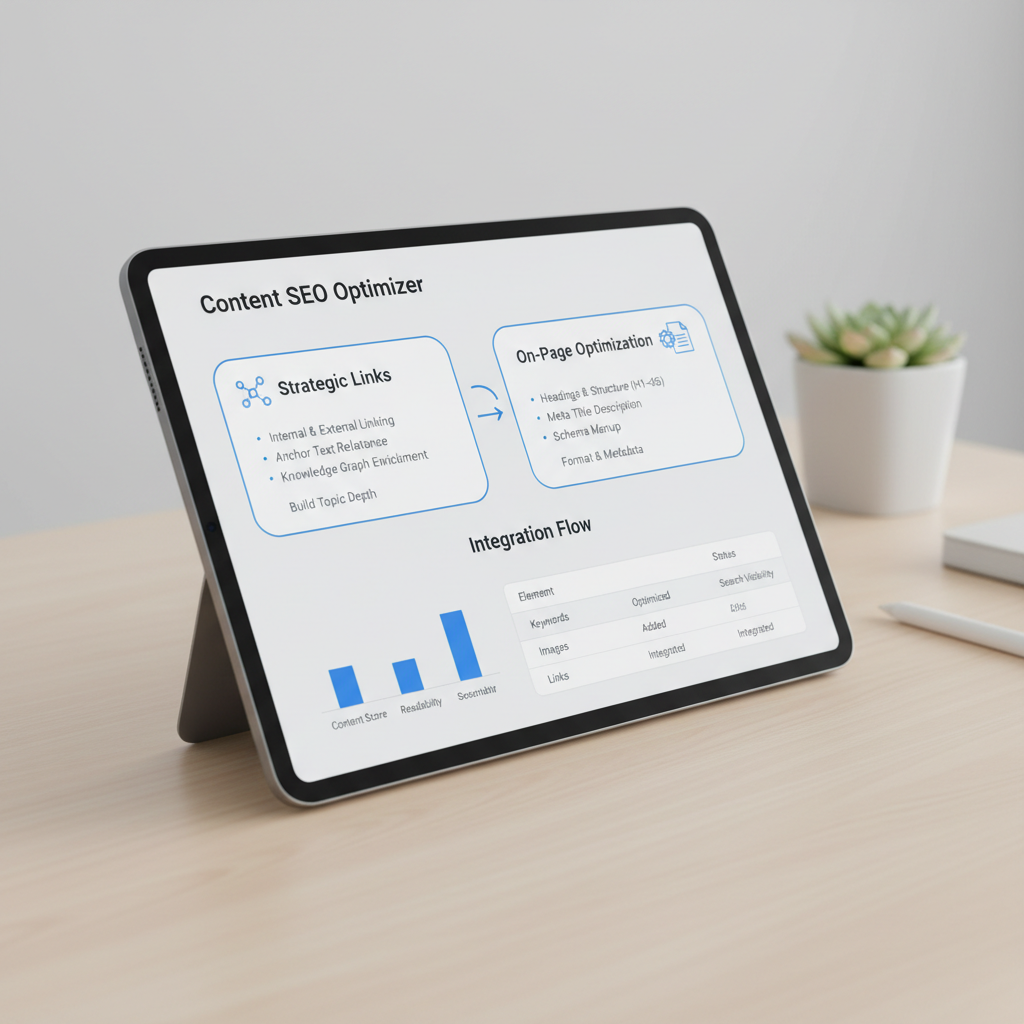
    Strategic links build topic depth

    Smart internal linking maps clear pathways between your articles so search engine crawlers can index your site fast. Instead of dropping generic links at the end of a page, tie high-volume informational guides to commercial landing pages naturally inside the body text.

    For instance, when writing a guide about content strategy, link relevant phrases directly to specialized tools like the Seobase platform features. This passes page authority across your site and keeps readers engaged longer.

    Optimizing on-page formatting and metadata

    Good formatting helps search crawlers and human readers scan your content quickly. Follow these core formatting practices:

    • Use clean heading tags: Keep a strict hierarchy (one H1 for the page title, H2s for main sections, H3s for subsections).
    • Write concise meta titles: Keep titles between 50 and 60 characters so search engines do not cut them off.
    • Craft active meta descriptions: Summarize the value of the page within 120 to 160 characters.
    • Optimize image alt text: Describe visual content using relevant terms without keyword stuffing.
    • Include FAQ schema: Format frequent questions cleanly so search engines can pull them into rich snippets.

    Vetting writer pools and managing revision policies

    Finding writers who genuinely know your trade is tough. Access to niche-specific writer pools ensures accurate technical industry terminology without the fluff. When subject matter experts draft your pieces, you skip the painful back-and-forth of explaining basic concepts. They already know how your buyers talk, what problems they face, and how to cover complex topics naturally.

    Managing edits requires firm boundaries. Establishing a clear revision policy early prevents endless dispute cycles during the review phase. Define what counts as a standard edit versus a full rewrite before any drafting begins.

    Standard edits include minor phrasing tweaks, fixing typos, or adjusting heading phrasing. A full rewrite happens when a draft ignores the approved outline or misses key buyer details. If a piece strays from the agreed brief, the writer fixes it on their dime. If your team changes the strategic angle after submission, that warrants a scope adjustment. Strict boundaries keep projects moving on schedule.

    Tracking results via a content performance dashboard validates long-term ROI across your publishing pipeline. Watching page performance over several months proves whether your investment yields real search growth. You can set up Google Search Console monitoring for SEO content to catch indexing delays and track keyword trajectory early. That clear data tells you exactly when to update older posts or double down on high-performing topics.

    Skip the manual work. Seobase runs keyword research, briefs, drafting, internal linking, and publishing in one workflow, from first keyword to published post, without the busywork. Try Seobase →

    Automating article generation and publishing with Seobase

    seo article writing service — Automating article generation and publishing with Seobase

    Managing traditional content teams manually slows your growth. You spend hours reviewing outlines, chasing late drafts, and watching customer acquisition costs climb. Monthly agency retainers frequently turn into empty promises when organic traffic flattens out.

    Seobase fixes this bottleneck by running your entire publishing stack inside one interface.

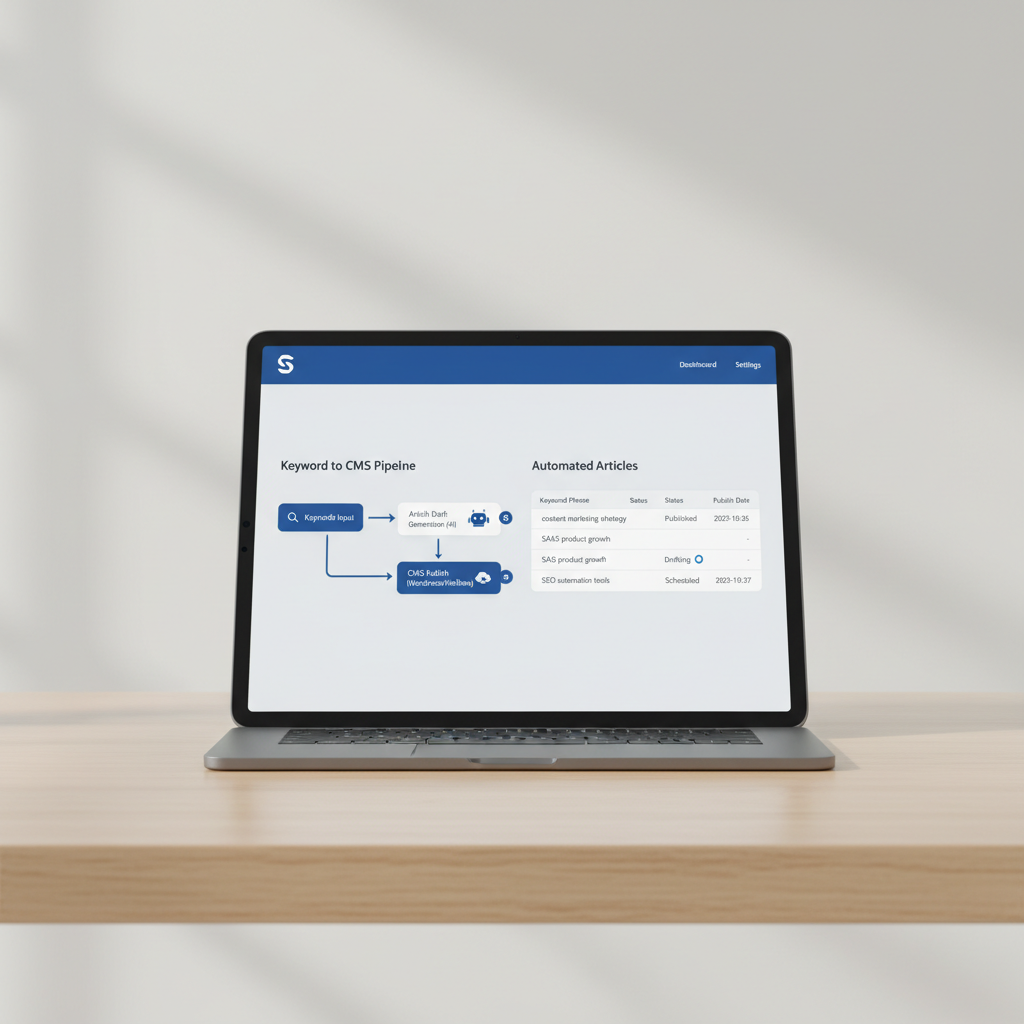
    A direct pipeline from keywords to CMS

    First, the platform handles topic discovery and calendar creation automatically. You enter your core AI SEO Automation: How to Build a Search Engine That Compounds | Seobase covers this in more depth.

    Instead of coordinating multiple tools and freelancers, automated platforms unify every step of content production:

    1. Automated Keyword Research: The engine finds low-competition, high-intent keywords tailored to your domain niche.
    2. Content Calendar Generation: Topics organize into logical content clusters to build site topical authority.
    3. AI Article Writing with Human Review: High-quality initial drafts generate instantly, complete with appropriate headers and subtopics.
    4. Media Enhancement: The system adds relevant visual assets, including custom AI image generation and embedded YouTube videos.
    5. Backlink Exchange Integration: Built-in backlink networks help your new articles gain referral links faster.
    6. Direct CMS Publishing: Finished pieces publish automatically to connected platforms like WordPress, Webflow, Shopify, Framer, Wix, or Ghost.

    Automating these steps eliminates production delays and lets you scale your output without expanding your headcount. Check out Seobase pricing plans to see how automation lowers your content production costs.

    Selecting your ultimate content execution strategy

    Pick an execution strategy based on what your team can realistically support day-to-day. A small team with limited technical resources will stumble if they try to build a custom publishing engine, no matter how good the strategy looks on paper. Match your budget directly to your internal technical limits. If your in-house team lacks writing capacity, turning to a dedicated SEO article writing service keeps your content pipeline moving without burning out your staff.

    Your operational setup must remain completely transparent. Every project needs a clear brief that defines keyword search intent, buyer funnel placement, and target backlinks before anyone begins draft work. You also need performance tracking tied directly to your workflow. Connecting your production

  • Search or type URL: how to navigate and search smarter

    Search or type URL: how to navigate and search smarter

    search or type url

    On this page

    Ever glanced at that box at the top of your browser that says “search or type URL” and wondered what it actually does? That little prompt lets you do two things at once: search the web or jump straight to a site. Once you understand how it works, you’ll browse faster, protect your privacy better, and waste less time hunting for sites you visit all the time. Below, we’ll walk through how the address bar works and how tools like Seobase help your site show up whether people search for it or type your URL directly.


    Understanding ‘search or type URL’ in your browser

    search or type url — Understanding 'search or type URL' in your browser

    Open a new tab in Chrome or Edge and you’ll see the prompt “search or type URL.” It’s an invitation: either search Google (or whatever your default engine is) or type a web address to go straight to a site.

    That bar, often called the omnibox, does more than hold web addresses. Type a search term or paste a full URL, and your browser figures out what you’re trying to do.


    The evolution of the address bar

    Older browsers split this into two boxes: one for typing an address, one for searching. Over time, browser makers merged them into a single bar to save space and cut down on clicks.

    Now that one bar does double duty. It guesses whether you’re typing a URL or looking to search, and routes you accordingly.


    Search vs. typing a URL: what’s the difference?

    Action What It Does Example Input Result
    Search Looks up your query using a search engine “best pizza NYC” Google search results for pizza places
    Type URL Goes directly to a specific website “nytimes.com” Loads The New York Times homepage
    Search Google Type Combines search and direct navigation “google type url” Search results about typing URLs

    Search asks your browser to fetch information from the web. Typing a URL tells it to skip the middleman and go straight to an address.


    How modern browsers handle search queries

    Modern browsers analyze what you type before deciding what to do with it:

    • If it looks like a web address (ends in .com, .org, etc.), the browser tries to load it directly.
    • If it reads like a question or a string of unrelated words, the browser sends it to your default search engine.

    Depending on your settings, that could mean Google, Bing, or DuckDuckGo.


    Why you see ‘search google or type URL’

    The phrase “search Google or type URL” is just a reminder of your two options:

    • Type a question or keywords to search Google.
    • Enter a full web address to go straight to a site.

    Chrome and other major browsers lean into this flexibility because it lets people do what they want without switching tools.


    Common use cases: when to search, when to type

    Scenario Should You Search? Should You Type the URL? Why
    Looking for information Yes No Search surfaces the best sources
    Visiting a specific site No Yes Typing the URL is faster and more direct
    Not sure of the exact URL Yes No Search helps you find the right site
    Accessing a private web page No Yes Only a direct URL will get you there

    If you know exactly where you’re going, type the URL. If you’re exploring or unsure, search first.


    How search engines interpret your input

    When you search, your browser sends your query to your default search engine, which then:

    1. Analyzes your input to check whether it looks like a URL or a search phrase.
    2. Generates results ranked by relevance, if it decides you’re searching.
    3. Navigates directly to the site, if it decides you typed a URL.

    Search engines rely on pattern matching and heuristics to make this call. Type something ambiguous like “seobase,” and the engine has to decide: are you searching for information about Seobase, or trying to reach seobase.co?


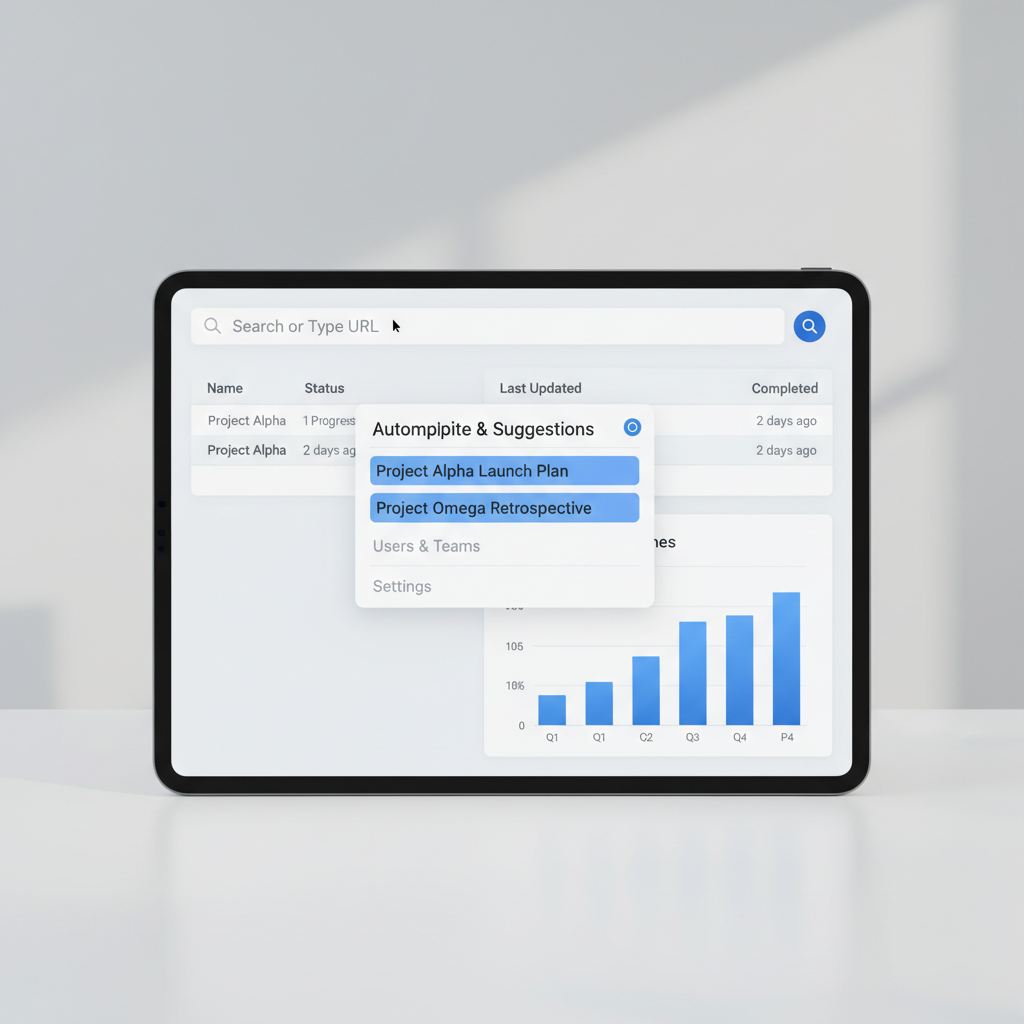
    The role of autocomplete and suggestions

    search or type url — The role of autocomplete and suggestions

    As you type, your browser offers autocomplete suggestions pulled from your browsing history and common searches. This helps you:

    • Finish typing faster.
    • Avoid misspelling web addresses.
    • Jump back to sites you’ve visited before.

    The more you use a browser, the better its suggestions tend to get, since it’s drawing on your own habits.


    Address bar shortcuts for faster browsing

    Shortcut What It Does
    Ctrl + L (Cmd + L) Highlights the address bar
    Type search terms + Enter Searches Google (or your default engine)
    Type URL + Enter Goes directly to the website
    Ctrl + Enter Adds “.com” to what you typed and navigates there
    Alt + Enter Opens what you typed in a new tab

    Try it: type “seobase” in your address bar and hit Ctrl + Enter. It’ll take you straight to seobase.co.


    Google search vs. typing a web address directly

    Method Speed Privacy Use Case
    Search Google Medium Lower Finding info, exploring options
    Type URL (Direct Navigation) Fastest Higher Going to a known website

    Typing a URL is usually faster and more private, since you skip the search results page and any tracking that comes with it.


    Navigating to websites you want: best practices

    • Bookmark favorites: Save the sites you visit often so you don’t have to retype them.
    • Use autocomplete: Let your browser finish the address for you.
    • Type URLs carefully: A single typo can land you on the wrong site entirely.
    • Check for HTTPS: Make sure the address starts with “https://” before entering sensitive information.

    If you’re not sure of the exact address, search first, then bookmark the site once you find it.


    How typing a URL impacts search results

    Type an exact URL and you skip search results entirely. Type a brand name or partial URL, though, and you’ll often see a mix of results, with the official site usually landing at the top.

    • Exact URL: Goes straight to the site.
    • Partial URL or brand name: Triggers search results, typically with the official site ranked first.

    This is exactly why SEO matters: brands want to be the first result when someone types their name instead of the full address.


    Search engine integration in popular browsers

    Browser Default Search Engine Changeable? Address Bar Features
    Chrome Google Yes Omnibox, autocomplete, suggestions
    Firefox Google/Bing/Yahoo Yes Smart search bar, keyword search
    Edge Bing Yes Address bar + search integration
    Safari Google Yes Unified search/address bar

    Every major browser lets you swap your default search engine, which affects both what happens when you search and what happens when your typed input doesn’t match a valid URL.


    Troubleshooting: when the address bar doesn’t work

    • Check your spelling. Typos are the most common reason a browser misreads your intent.
    • Clear cache and cookies. Old data can cause odd glitches in autocomplete.
    • Update your browser. New versions fix bugs and add address bar improvements.
    • Check your default search engine. Confirm it’s set to the one you actually want.
    • Try another browser. If the problem follows you everywhere, it’s likely a setting; if it doesn’t, the issue is local to that browser.

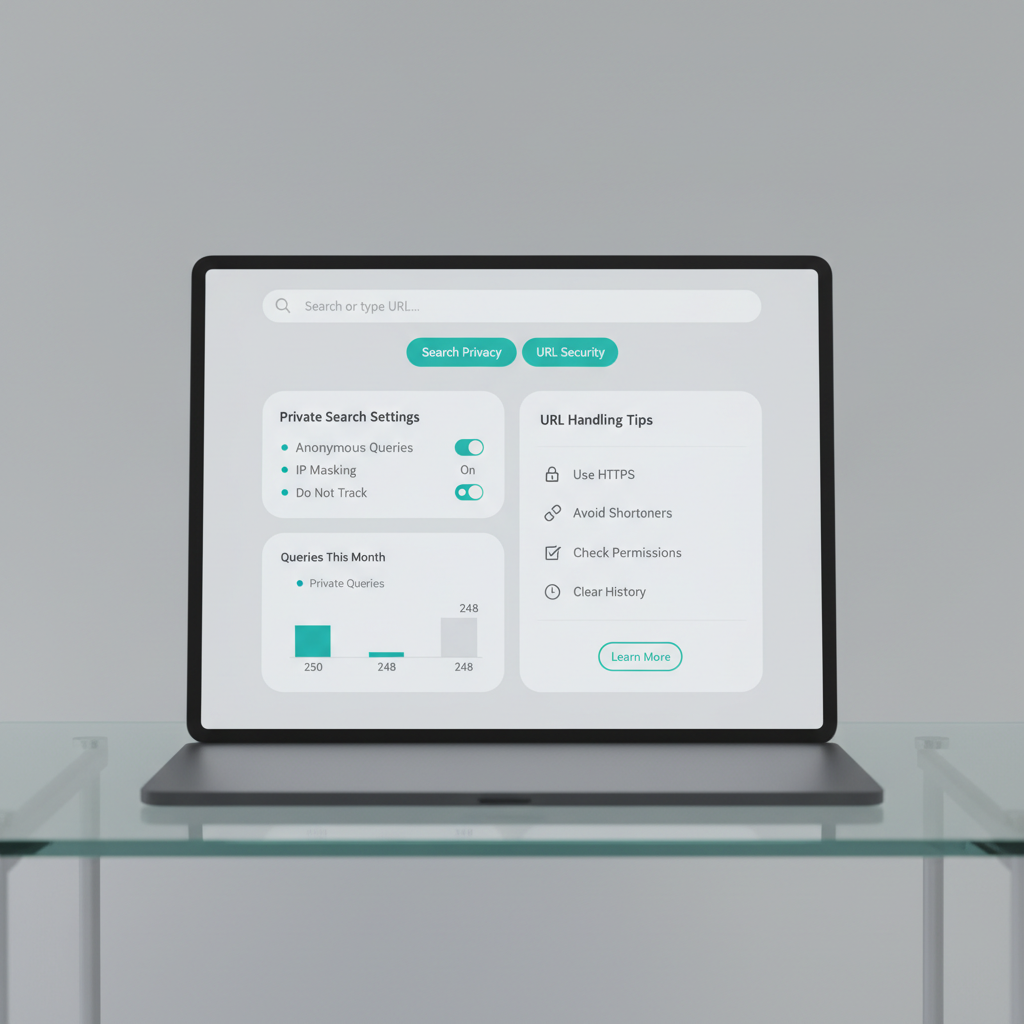
    Privacy tips for searching and typing URLs

    search or type url — Privacy tips for searching and typing URLs

    • Use private or incognito mode. It stops your browser from saving searches and visited URLs.
    • Clear your browsing history regularly. Old entries build up fast.
    • Choose a privacy-focused search engine. DuckDuckGo, for example, doesn’t track your searches.
    • Disable autocomplete if you don’t want suggestions based on your history.

    Typing a URL directly is generally more private than searching, since you’re not sending a query to a search engine at all.


    SEO insights: how users search or type URLs

    Understanding how people use the address bar helps businesses shape their SEO strategy:

    • Brand searches: Many users type a brand name and click the top result rather than typing the full URL.
    • Direct navigation: Repeat visitors often type the exact address (like seobase.co) once they know it.
    • Misspellings: A common misspelling can send potential visitors to a competitor or an unrelated search result.
    • Search intent: Queries like “Seobase review” or “Seobase pricing” usually start as a search, not a direct URL.

    Website owners need to optimize for both: the people who search for you, and the people who already know where to find you.


    How Seobase automates search-focused content

    Seobase is built for businesses that want more organic visibility without doing all the manual legwork. Here’s how it fits into the search-or-type-url picture:

    • Automated keyword research: See what people are actually searching for, right from your dashboard.
    • Content calendar generation: Plan articles around the search terms that matter to your business.
    • AI article writing: Produce search-optimized content built to rank for relevant queries.
    • CMS publishing integrations: Push content to WordPress, Webflow, Shopify, and more with one click.
    • Backlink exchange: Build authority by swapping links with other relevant sites.

    The goal: your site should be ready for people searching for you and people typing your URL directly.


    Leveraging Seobase for smarter SEO publishing

    • Identify search intent: Target keywords that match what people actually type into the address bar.
    • Multilingual content: Reach audiences in their own language, which helps your visibility in local search results.
    • AI image generation and YouTube embeds: Give your articles more to work with, both for readers and for search.
    • Approval workflow: Keep your team aligned before anything goes live, so content ships faster without extra back-and-forth.

    This ties your search-to-publish process together in one place instead of juggling separate tools.


    Streamlining content creation and backlink building

    SEO isn’t just about writing, it’s about building authority over time. Seobase helps with:

    • Backlink opportunities: Connect with relevant sites for quality links instead of cold outreach from scratch.
    • Content performance tracking: See how your articles are ranking for terms like “search or type url” and related phrases.
    • Automated outreach: Cut down on the manual back-and-forth of link building.
    • Review mode: Get your team’s eyes on content before it publishes.

    That leaves more of your time for strategy and less for busywork.


    Conclusion

    Knowing when to search and when to type a URL makes you a faster, more privacy-conscious web user, and a sharper site owner. Whether you’re just browsing or managing a website, that small decision (search or type) adds up over time in speed, privacy, and results.

    Tools like Seobase handle the harder parts of SEO for you: research, writing, publishing, and backlinks, so your site is easy to find whether someone searches Google or types your URL straight into the address bar.


    Next step

    Ready to simplify your SEO and publish smarter content? Sign up for Seobase today and put your search-focused content strategy on autopilot.

    You may also find Search Google or type a URL: how your browser decides & what it means (2026 guide) useful. For more, see Search Google or type URL: how the omnibox works.

  • The ultimate SEO strategy template: a roadmap for real results

    The ultimate SEO strategy template: a roadmap for real results

    seo strategy template

    On this page

    Want to get real results from your website but not sure where to start with SEO? You’re not alone. A well-structured SEO strategy template can cut through the clutter, giving you a clear roadmap to higher rankings, more traffic, and better conversions. Whether you’re a small business owner, a marketer, or a content creator, this guide will help you build a winning SEO plan step by step.

    Let’s dive in!


    SEO strategy template

    seo strategy template — SEO strategy template

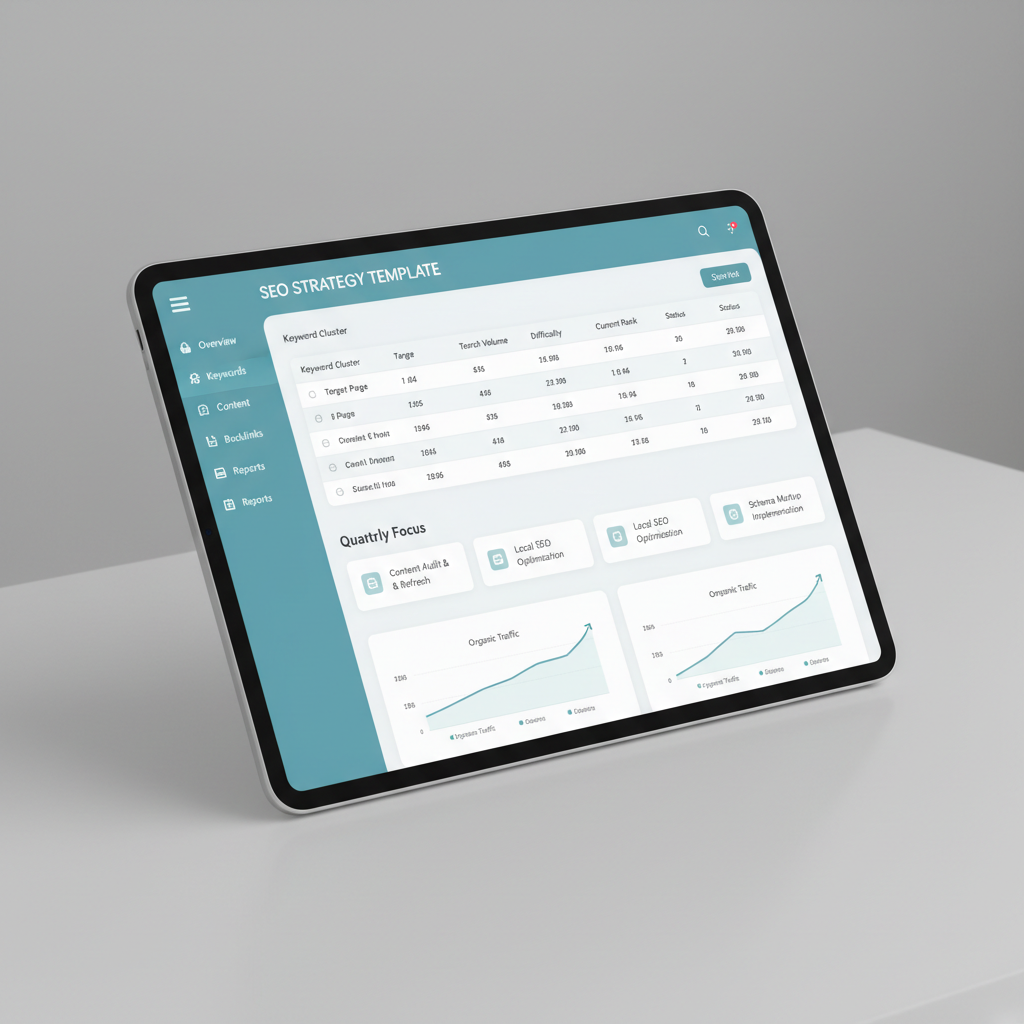
    A solid SEO strategy template acts as your blueprint for boosting your site’s visibility on Google search. Whether you manage a content site or work with Shopify SEO experts to maximize store rankings, it organizes every major task, from keyword research to technical SEO, content planning, and link building. Here’s a high-level look at what a practical template covers:

    We’ll break down each section in detail, with actionable examples and templates you can use right away.


    What is an SEO strategy?

    An SEO strategy is a structured plan for improving your website’s organic search visibility. It’s more than just using keywords, it’s about understanding your audience, optimizing your site, creating valuable content, and building authority through high-quality backlinks.

    Think of your SEO strategy as a living document. It should adapt as your business, audience, and the algorithms change.


    Why you need an SEO roadmap template

    SEO success rarely happens by accident. An SEO roadmap template provides:

    • Clarity: You know what to do and when.

    • Focus: Prioritize tasks that drive results (not just busywork).

    • Accountability: Assign owners and deadlines to every step.

    • Scalability: Easily repeat or delegate processes as your team grows.

    Without a roadmap, it’s easy to get lost in endless keyword research or technical SEO tasks without seeing real progress.


    Key elements of a winning SEO strategy

    Your SEO strategy template should cover these core elements:

    1. Understanding your audience and their search intent

    2. Conducting keyword research using reliable tools

    3. Optimizing your site’s technical SEO

    4. Creating valuable, conversion-focused content

    5. Building high-quality backlinks

    6. Tracking, measuring, and refining your approach

    Let’s break each one down.


    Understanding search intent and google search

    Before you write or optimize anything, get clear on search intent. This means understanding the “why” behind a search query:

    • Informational: Looking for answers or how-tos (“how to tie a tie”)

    • Navigational: Trying to reach a specific site (“Seobase login”)

    • Transactional: Ready to buy or take action (“buy running shoes online”)

    • Commercial investigation: Comparing options (“best keyword research tools”)

    Google search rewards pages that best match user intent. Review the top results for your target keywords. What formats, topics, and angles do they use? Use this insight to shape your own content.


    Keyword research: laying the foundation

    Keyword research is the backbone of any SEO strategy. It reveals what your audience is searching for and how competitive those terms are.

    Steps for effective keyword research:

    1. Brainstorm seed topics relevant to your business.

    2. Use keyword research tools (like Seobase, Google Keyword Planner, or Ahrefs) to expand your list.

    3. Analyze search volume, keyword difficulty, and intent.

    4. Group keywords into clusters or themes for content planning.


    How to use a keyword research template

    A keyword research template helps you organize and prioritize your findings. Here’s a simple example:

    Tips:

    • Focus on a mix of high-volume and low-competition keywords.

    • Note search intent for each term.

    • Track current rankings to measure progress.


    Choosing the right keyword research tools

    seo strategy template — Choosing the right keyword research tools

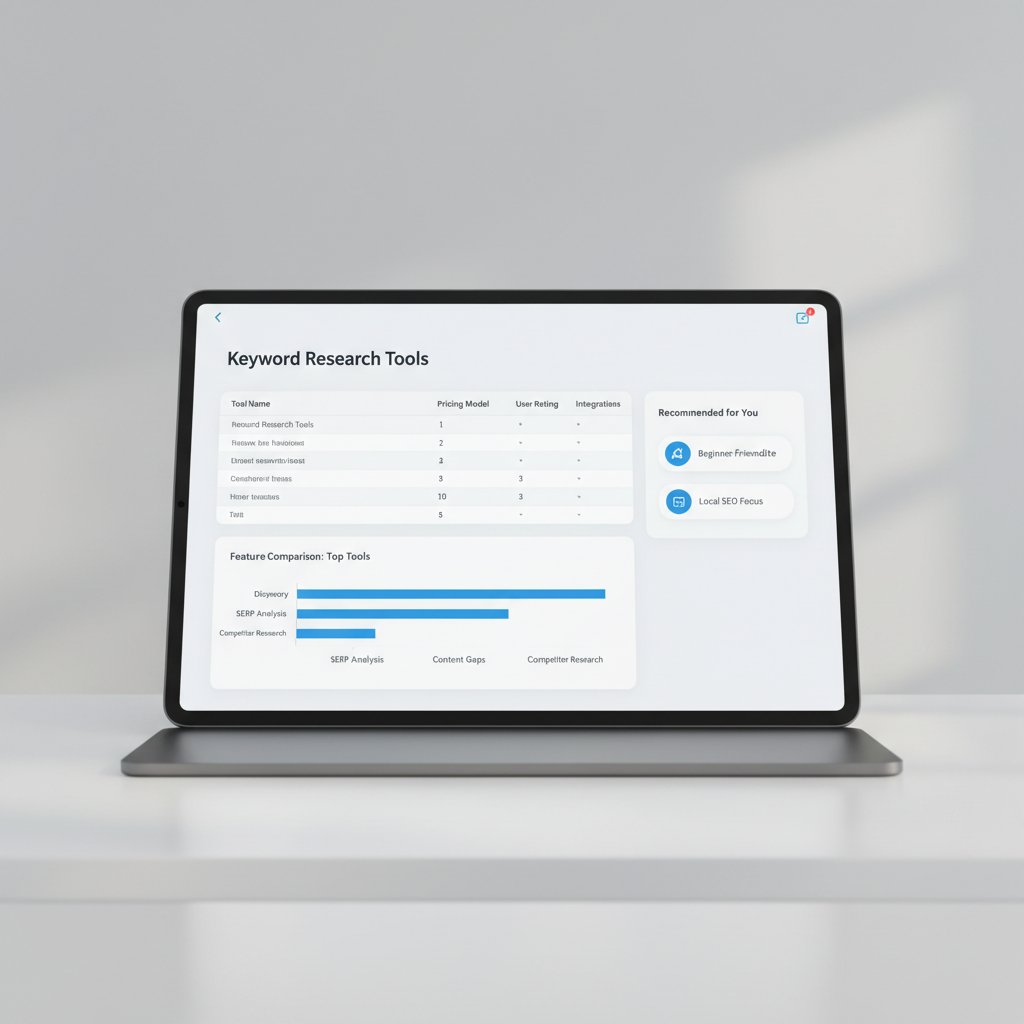
    Not all keyword research tools are created equal. Here’s a quick comparison of popular options:

    Actionable tip: Start with Seobase for automated keyword research and content planning, then supplement with Google Keyword Planner for additional data.


    Technical SEO tasks to prioritize

    Technical SEO ensures your site is crawlable, fast, and secure. Here are key technical SEO tasks to include in your template:

    • Crawlability: Submit an XML sitemap, fix broken links, and use robots.txt wisely.

    • Site Speed: Compress images, use caching, and minimize code.

    • Mobile Optimization: Ensure responsive design and fast mobile load times.

    • HTTPS: Secure your site with an SSL certificate.

    • Structured Data: Add schema markup for rich results.

    • Fix duplicate content: Use canonical tags and avoid thin pages.

    Pro tip: Use Seobase or Google Search Console to audit your site and prioritize technical SEO tasks.


    On-page SEO: optimizing for conversion rate

    On-page SEO is about aligning your content with both search engines and users. Beyond finding high-intent keywords using keyword tools (as seen in our Ahrefs vs KWFinder comparison), you need to optimize for conversion rate—a essential focus whether you manage optimization yourself or partner with an SEO agency for startups.

    Core on-page SEO tactics:

    • Title tags and meta descriptions: Make them compelling and keyword-rich.

    • Headings (H1, H2, H3): Organize content for readability and SEO.

    • Internal linking: Guide users (and Google) to high-value pages.

    • Clear CTAs: Every page should have a goal, whether it’s a signup, download, or purchase.

    • Fast loading times & tracking: Improve user experience, reduce bounce rates, and streamline workflow by learning how to automate SEO reports to clients.

    Example: If your page targets “seo strategy template,” include the phrase naturally in the title, intro, and at least one subheading. Add a CTA to download your template.

    Content planning with an SEO roadmap template

    A content calendar is your SEO roadmap in action. It helps you:

    • Map keywords to topics and formats

    • Schedule publishing for consistency

    • Assign owners and deadlines

    Sample content calendar table:

    Tip: Tools like Seobase can generate a content calendar automatically based on your keyword research.


    Automating content creation and publishing

    Manual content creation is time-consuming. Automation tools (like Seobase) streamline the process:

    • Keyword research: Automated suggestions and clustering

    • Content generation: AI-powered drafts and outlines

    • Editorial workflow: Assign, review, and approve in one place

    • CMS integration: Publish directly to WordPress, Shopify, and more

    • AI images and video embeds: Enhance content without extra tools

    Actionable example: Use Seobase to generate a list of article ideas, draft AI-powered posts, and publish them to your CMS, all in a few clicks.


    Building high-quality backlinks that matter

    Backlinks are still a top ranking factor, but not all links are created equal. Focus on:

    • Relevance: Target sites in your niche or industry

    • Authority: Prioritize high-authority domains

    • Diversity: Get links from different sources (blogs, news, directories)

    Tactics for building high-quality backlinks:

    • Guest posting on relevant blogs

    • Resource page outreach

    • Unlinked brand mentions

    • Backlink exchange with trusted partners (see next section)

    Track your backlinks using tools like Seobase or Ahrefs.


    Backlink exchange: efficient outreach tactics

    Backlink exchange can be an efficient way to build authority, if done correctly:

    1. Identify potential partners using Seobase’s backlink exchange feature.

    2. Personalize your outreach. Reference their content and explain the mutual benefit.

    3. Suggest specific pages to link to, making it easy for them.

    4. Maintain quality. Only exchange with sites that add value and are relevant to your niche.

    Example outreach template:

    Hi [Name],
    I enjoyed your article on [Topic]. I think our resource on [Your Topic] would be a valuable addition for your readers. Would you be open to a backlink exchange?

    Let me know if you’re interested!


    Tracking and measuring SEO success

    seo strategy template — Tracking and measuring SEO success

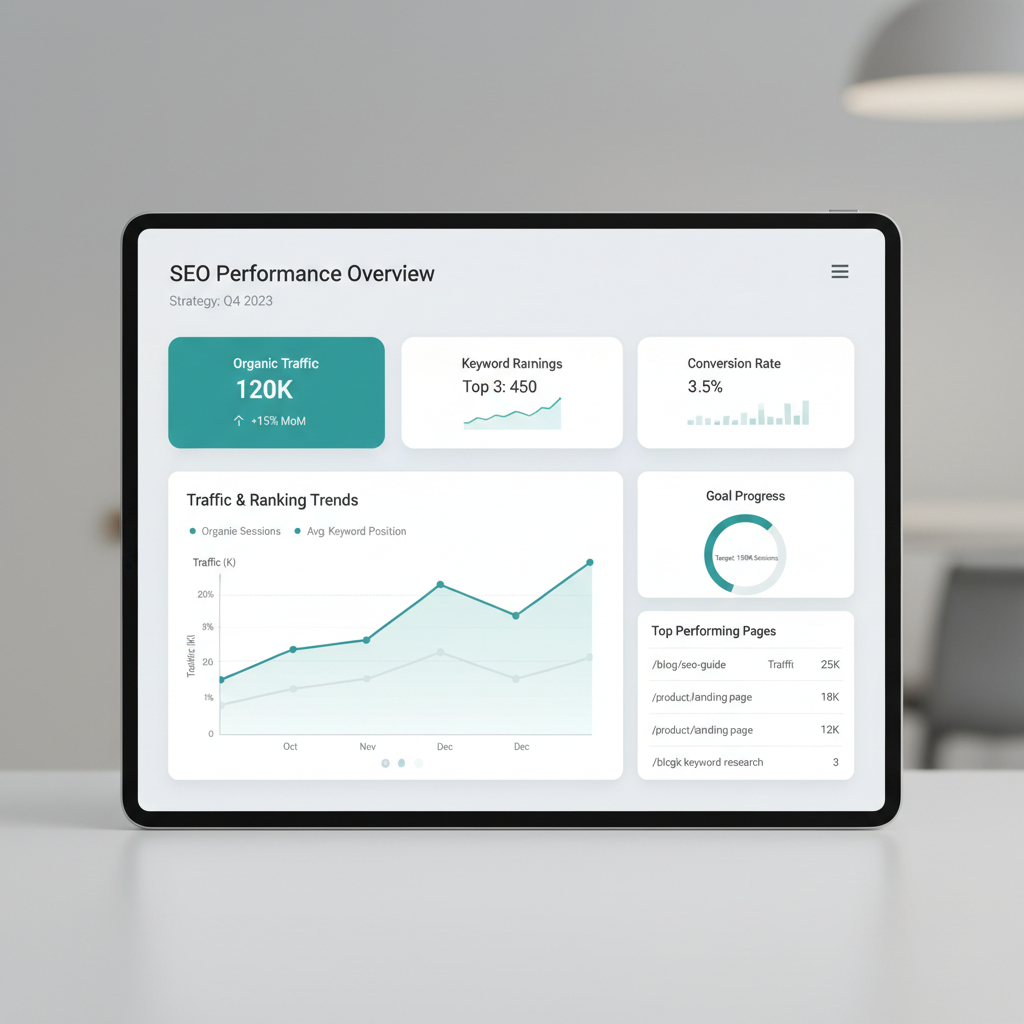
    What gets measured gets managed. Key metrics to track:

    • Organic traffic (Google Analytics)

    • Keyword rankings (Seobase, Ahrefs, SEMrush)

    • Backlink profile (number and quality)

    • Conversion rate (signups, purchases, downloads)

    • Bounce rate and time on page

    Set up monthly reporting to review what’s working and scale your strategy with semantic SEO automation to continuously refine content relevance.

    Tip: Use Seobase’s unified dashboard to view all your SEO data in one place.

    Common SEO strategy mistakes to avoid

    Even the best SEO roadmap template can go off track. Watch out for these pitfalls:

    • Ignoring search intent: Don’t just target keywords, address the “why.”

    • Over-optimizing: Keyword stuffing or excessive link building can backfire.

    • Neglecting technical SEO: Slow or broken sites hurt rankings.

    • Inconsistent content publishing: Sporadic posts won’t build authority.

    • Not measuring results: Without tracking, you can’t improve.

    Stay agile and refine your strategy as you learn what works.


    How Seobase simplifies your SEO workflow

    Seobase takes the heavy lifting out of SEO by automating your core tasks:

    • Automated keyword research: Find the best opportunities fast

    • Content calendar generation: Map out posts for consistent publishing

    • AI article writing: Draft high-quality content in minutes

    • CMS publishing integrations: Push content live with one click

    • Backlink exchange: Build high-quality backlinks efficiently

    • Review mode and approval workflow: Keep teams aligned

    Why it matters: You spend less time on manual research and coordination, and more time growing your organic traffic.


    Download your free SEO strategy template

    Ready to get started? Here’s a free SEO strategy template you can copy and adapt for your own business.

    Pro tip: Import this template into your favorite project management tool or use it within Seobase for seamless automation.


    Start building your SEO strategy with Seobase

    You don’t need to juggle a dozen tools or guess what to do next. Seobase gives you everything you need to:

    • Discover high-potential keywords with minimal effort

    • Build and execute a content plan that aligns with search intent

    • Automate article writing and publishing to your CMS

    • Exchange backlinks with reputable partners

    • Track results and optimize for better conversion rates

    Whether you’re just getting started or looking to scale, Seobase is your all-in-one SEO automation platform.


    Conclusion

    Building an effective SEO strategy doesn’t have to be overwhelming. With a clear SEO strategy template, smart keyword research, technical SEO, and a focus on high-quality backlinks, you can create a roadmap for real, measurable results.

    Remember: SEO is a marathon, not a sprint. Stay consistent, keep learning, and use tools like Seobase to make your workflow easier, faster, and more effective.


    Next step

    Ready to get real results? Start your free trial with Seobase and automate your entire SEO workflow today!

    Related reading

    • Find backlinks in google: step-by-step methods for 2026
    • How to add meta keywords in wordpress: step-by-step guide
    • The ultimate SEO plan template: streamline your strategy with ease
  • Moz vs Ahrefs: which seo tool wins your budget in 2026?

    Moz vs Ahrefs: which seo tool wins your budget in 2026?

    Moz vs Ahrefs

    On this page

    You’re staring at two pricing pages, trying to figure out which tool actually earns a spot in your stack. The Moz vs Ahrefs debate usually comes down to one tension: how much depth do you need versus how much complexity you can stomach?

    Here’s the short version: Ahrefs wins for power users who live in backlink analysis and rank tracking all day, while Moz fits beginners who want clean domain authority scores without wading through a dozen menus. Neither is objectively “better,” just better suited to how you actually work.

    Below, we break down data quality, feature depth, and cost, so you can decide which one earns a place in your seo tools lineup.

    The quick verdict: which tool fits your workflow

    Moz vs Ahrefs — The quick verdict: which tool fits your workflow

    If you’re short on time, here’s the whole debate in one sentence: Ahrefs wins on raw power, Moz wins on simplicity, and your choice comes down to whether you need a scalpel or a sledgehammer.

    Picture two site owners. One runs an agency juggling 40 client sites and needs to pull backlink analysis reports before every retainer call. The other runs a single local bakery site and just wants to know why a competitor outranks them for “gluten free cakes near me.” Same category of tool, completely different jobs. That’s the real story behind any moz vs ahrefs comparison, and it’s why so many “seo ahrefs vs moz vs” searches end up frustrated with a generic feature list instead of a real answer.

    Go with Ahrefs if you live in the data

    Ahrefs built its reputation on depth. Its index of referring domains is massive, and features like Site Explorer let you slice backlink data by anchor text, link type, and traffic value in the same view. If your job involves keyword research at scale, competitive gap analysis, or building reports that need to survive a skeptical client’s scrutiny, this is the tool that won’t make you feel boxed in.

    That depth comes with a learning curve and a heavier price tag. Agencies and in-house SEOs who bill by results tend to absorb both without blinking, because the alternative (guessing at link quality or keyword difficulty) costs more in wasted time.

    Go with Moz if you want answers, not a training course

    Moz trims the same core job (rank tracking, link data, site audits) down to something a beginner can open and actually use on day one. It’s also the tool that put domain authority on the map, a metric that, love it or hate it, gives small business owners a quick gut-check score instead of a spreadsheet full of raw numbers.

    That simplicity is the whole pitch. If you’re a solo marketer or a small business owner who wants a dashboard that doesn’t require a manual, Moz gets you moving faster.

    The actual decision rule

    Skip the spec-sheet rabbit hole and ask yourself one question: are you optimizing for scale or for speed of understanding?

    • Choose Ahrefs if you manage multiple sites, need enterprise-grade backlink analysis, or compete in a niche where every one of your rivals is already running Ahrefs, Semrush, or similar heavyweight seo tools.
    • Choose Moz if you’re new to SEO, working solo, or just need clean, digestible metrics without wading through advanced filters.

    Either pick beats not tracking your data at all. The wrong pick just means paying for horsepower you’ll never use, or outgrowing a tool three months in.

    At a glance: Moz vs Ahrefs comparison

    Feature Moz Pro Ahrefs
    Starting Price $99/month $99/month
    Index Size ~43 trillion links ~12 trillion links
    Keyword Database ~1.25 billion keywords ~7 billion keywords
    Site Audit Yes Yes
    Backlink Checker Yes Yes
    SERP Updates Weekly Daily
    Free Trial 30 days 7 days ($7)
    UI Complexity Simple Advanced
    Best For Beginners, SMBs Agencies, Power users

    Backlink analysis and database scale

    Ahrefs gives you raw scale. Their backlink analysis runs on a multi-billion keyword database, which means you’ll catch links and referring domains from places most smaller tools miss. For big sites pushing into new markets, this depth matters. Picture a 100,000-page ecommerce store: Ahrefs will surface obscure links from regional blogs and niche forums that never show up in lighter indexes.

    Moz takes a different route with roughly 500 million keywords tracked. It’s not as broad as Ahrefs, but for targeted keyword research and focused backlink checks, it’s enough. If you’re mostly working with US-based or English-language SEO, Moz covers the core ground without the noise that comes from a global firehose.

    DR vs DA: What’s the difference?

    You’ll see Domain Rating (DR) in Ahrefs and Domain Authority (DA) in Moz. Both try to score how strong a website is for SEO, but they do it their own way. DR weighs the number and quality of referring domains, updating its math as the index changes. DA uses its own model, looking at both links and the trust Moz assigns to sources. Don’t swap them one-for-one. Comparing DR 60 to DA 60 is apples to oranges.

    Crawling frequency and data lag

    Crawling speed sets these tools apart. Ahrefs crawls the web more often, so you’ll spot new backlinks and lost links faster, sometimes within hours for big sites. Moz can lag by days or even a week, which means you might miss a hot backlink window if you’re doing fast-moving link building or rank tracking. If you’re chasing fresh data, that gap matters.

    Bottom line: If you want massive backlink analysis and up-to-the-minute data, Ahrefs wins on scale and speed. If you need targeted research with less noise, Moz is simpler and more focused. Choose based on the size of your site and how often you need fresh data.

    Keyword research and search intent depth

    Moz vs Ahrefs — Keyword research and search intent depth

    If you want keyword research that goes beyond surface-level suggestions, Ahrefs is the clear winner for depth and actionable data. You get real numbers for traffic value and PPC cost estimates on every keyword, which helps you spot terms that actually drive business, not just clicks. For example, you’ll see that “buy running shoes online” might show a lower search volume than “running shoes,” but a way higher traffic value, so you know where to focus your time.

    Moz makes keyword research friendly for new users. Its Keyword Explorer serves up easy-to-understand keyword suggestions and organizes them by relevance and difficulty. If you’re just starting or want to build a seed list fast, Moz keeps the process simple. But the numbers tend to be less granular, so you don’t get the same commercial intent insights as Ahrefs.

    When it comes to keyword gap analysis, Ahrefs, Moz, and SEMrush all let you compare your site with competitors to find keywords you’re missing. But Ahrefs’s Content Gap tool feels more robust for large sites. It lets you filter by “all competitors rank, but you don’t,” so you can surface high-impact opportunities in seconds. Moz’s version is easier to use but sometimes misses edge-case keywords unless you add competitors manually.

    For local SEO and search intent, Moz’s “local pack” intent tagging is handy for spotting keywords that trigger map results, great if you’re optimizing for brick-and-mortar. But Ahrefs’s data set usually picks up more location-specific queries, so you catch long-tail terms like “best tacos in Austin open late.”

    Bottom line: Go with Ahrefs if you care about traffic value, PPC crossover, or deep competitive gaps. Pick Moz if you want a straightforward keyword brainstorm or you’re new to SEO tools. If you’re comparing all three (Ahrefs, Moz, SEMrush), Ahrefs edges ahead for depth, especially for e-commerce or aggressive content marketing.

    Technical SEO and site auditing

    Ahrefs gives you a full technical SEO audit that digs deep. Their Site Audit tool crawls every page like a search engine, flagging issues with crawl budget, internal linking, duplicate content, and more. You get details on redirect chains, orphaned pages, and even JavaScript rendering quirks. For big sites, the crawl is fast and the export is instant, so you can hand a list of action items to your dev team without waiting overnight.

    Moz takes a different approach. You get a user-friendly site audit that highlights critical and easy-to-fix problems right up front. Think missing title tags, broken links, or thin content. The dashboard puts “High Priority” issues at the top, so you can knock out quick wins before tackling deeper technical debt. If you’re less technical, Moz’s explanations help you understand what each fix means for your site.

    Looking at SERP volatility, only Ahrefs offers a real-time SERP changes index. You see when Google’s algorithm is shaking things up and which niches are most affected. Moz tracks updates, but Ahrefs shows you the volatility in a chart, so you can spot if a ranking drop is your fault or just a Google shuffle. That context matters when you’re reporting to a client.

    Bottom line: For a massive e-commerce site with 20,000+ pages, Ahrefs is the call for deep technical fixes and crawl budget control. For a local business or someone new to technical SEO, Moz makes it painless to spot and fix what matters. Choose the tool that matches your tech comfort and the complexity of your site.

    Pricing models and long-term ROI

    Budget dictates a lot of this decision before features even enter the conversation. Moz built its plans around solo consultants and small in-house teams, so the entry tier stays approachable even when the checking account is tight. Ahrefs takes the opposite approach: the sticker price moves with how much data you actually pull, not just which plan tier you pick.

    Why Ahrefs costs more as you scale

    Ahrefs ties cost to usage. Rank tracking more keywords, running deeper backlink analysis, or pulling larger batches of referring domains all eat into monthly credits faster than a light user would expect. A fre

    Which tool should you actually buy?

    Moz vs Ahrefs — Which tool should you actually buy?

    If you run an agency that handles multiple clients or needs to monitor large sites, Ahrefs is your best bet. The scale of data you get, like tracking millions of backlinks or comparing hundreds of referring domains, just isn’t matched by Moz. For example, Ahrefs lets you filter backlink profiles by link type, anchor, and even new vs. lost links, which comes in handy when clients ask for detailed reports or quick turnarounds. You also get strong tools for keyword research and competitive backlink analysis, the stuff agencies live on.

    Running a solo blog or a small business? Go with Moz. The interface is simpler, and you won’t pay for data you’ll never use. Moz’s Domain Authority metric is still widely quoted, and its rank tracking tools are more than enough for a single site or two. If you’re mostly focused on improving your own rankings rather than dissecting competitors at scale, Moz keeps things manageable, and affordable.

    Bottom line: Match the tool to your workload. Big teams and big data: Ahrefs. Small ops with tight budgets: Moz. Picking the right fit saves money and headaches.

    Automating your SEO workflow beyond manual research

    Manual SEO research is a grind. You bounce between tools like Ahrefs, Moz, and SEMrush, copy-paste keyword lists, and try to sync findings with your content calendar. It’s easy to slip. Publishing gets sporadic, and you lose momentum just chasing data instead of pushing live content. That’s where workflow automation actually matters.

    Seobase closes this gap by automating the entire pipeline from keyword discovery to hitting publish. Instead of toggling between backlink analysis in Ahrefs or Moz and then building posts in WordPress, Seobase gives you a single dashboard. You set your topics, and it pulls keyword clusters, checks domain authority and referring domains, and even schedules your drafts for publishing. Fresh discussions get surfaced automatically, so you’re never chasing last month’s trends.

    Here’s a concrete example: Let’s say you want to rank for “SEO tools” and spot a surge in questions about Ahrefs vs Moz. With Seobase, you don’t just get the usual keyword suggestions, you get a prioritized list that already factors in search intent and current competitor gaps. The system can auto-generate a brief, assign it to your writer, and line up the post for publishing once it’s approved. No more bottlenecks.

    This kind of automation bridges the old wall between research and action. Your data analysis turns into real, scheduled content, and you keep pace with the search landscape without getting bogged down by manual steps. The result: consistent output, fewer missed opportunities, and a workflow that finally matches how fast SEO moves.

    If you’re still hopping between Ahrefs, Moz, and other platforms, consider how much time you lose on grunt work. Tools like Seobase don’t just automate, they keep you competitive by making sure your insights turn into live content, not just forgotten spreadsheets.

    Want more on tool matchups? Check out Ahrefs vs KWFinder: which SEO tool wins for 2026? for a hands-on comparison.

    Final thoughts on your SEO toolkit

    If you need deep backlink analysis and granular keyword data, Ahrefs is the heavyweight. Its referring domains and link growth charts go deeper than most, and you can pull competitor insights that would take hours by hand. But it’s not the friendliest tool for beginners.

    Moz keeps things straightforward. If you mostly care about basic rank tracking, domain authority checks, and quick keyword research, Moz’s interface is faster to learn. You’ll trade some depth for speed. Sometimes that’s exactly what you want.

    Match your tool to your comfort level. If you’re just starting out, Moz’s guided workflows will save you a lot of confusion. If you’re already comfortable poking around in advanced filters and exporting custom reports, Ahrefs opens up more options.

    Before picking, audit how you actually do keyword research. For example: if you only need to track 20-50 keywords and check which sites link to you, Moz is enough. If you need to break down the anchor text profile of a competitor with thousands of referring domains, Ahrefs is the right call.

    No need to overcomplicate your stack. Pick the one that fits your current process, then grow into the rest as your SEO skills level up.

    Frequently asked questions

    Why do Moz and Ahrefs show different backlink counts?

    The discrepancy exists because each tool uses its own proprietary crawler and database. Ahrefs typically has a larger, more frequently updated crawl index, while Moz uses its own unique methodology for calculating Domain Authority (DA). Differences in how they identify and categorize referring domains lead to varying totals.

    Is Moz pro worth it for small businesses?

    Yes, for many small businesses, Moz Pro is a highly cost-effective entry point. It provides essential SEO metrics like DA and keyword tracking without the high price tag and steep learning curve associated with more advanced enterprise-level tools like Ahrefs.

    Does Ahrefs provide PPC data?

    Yes, Ahrefs includes valuable paid search data. This allows users to see which keywords competitors are bidding on in Google Ads, providing a clearer picture of both organic and paid search landscapes, which is a significant advantage over basic SEO tools.

    Which tool is better for technical SEO audits?

    Ahrefs is generally considered superior for deep technical SEO audits due to its granular reporting on crawl budget efficiency and site architecture. Moz is excellent for quick, high-level health checks but lacks the same level of technical depth for complex sites.

    Can I track local keywords effectively in Moz?

    Moz offers solid local SEO capabilities, but Ahrefs often provides more granular data for niche and low-volume local keywords due to its massive database. The best choice depends on whether you need broad local trends or hyper-specific niche data.

  • SurferSEO vs Ahrefs: which tool reigns supreme for SEO?

    SurferSEO vs Ahrefs: which tool reigns supreme for SEO?

    surferseo vs ahrefs

    On this page

    When it comes to optimizing your website for search engines, having the right tools can make all the difference. Two of the most popular SEO tools on the market are SurferSEO and Ahrefs. Both offer unique features and capabilities that can help you improve your search engine rankings. But which one is the best for your specific needs? Let’s dive into the details.

    Introduction to SurferSEO and Ahrefs

    Surferseo vs Ahrefs — Introduction to SurferSEO and Ahrefs

    In the world of SEO, SurferSEO and Ahrefs are often mentioned in the same breath. They both offer valuable insights and tools for optimizing content, conducting keyword research, and analyzing backlinks. However, they cater to slightly different aspects of SEO, making the choice between them a bit complicated.

    • SurferSEO is primarily focused on content optimization and on-page SEO. It helps you create content that is tailored to rank well in search engines by analyzing SERP data and providing suggestions based on top-performing pages.

    • Ahrefs, on the other hand, is a comprehensive SEO tool that covers a wide range of features including backlink analysis, keyword research, and technical SEO audits. It provides users with in-depth data and insights to improve their overall SEO strategy.

    In this article, we’ll explore both tools in detail and help you determine which one is right for you.

    What is SurferSEO?

    SurferSEO is an innovative tool designed to enhance your content’s performance in search engines. It focuses on analyzing SERP data to provide actionable insights for on-page optimization. With features like the Content Editor and SERP Analyzer, SurferSEO allows you to optimize your content based on the current ranking factors.

    Key features of SurferSEO:

    • Content Editor: Helps you create SEO-friendly content by providing keyword suggestions, required word counts, and content structure based on the analysis of top-ranking pages.

    • SERP Analyzer: Analyzes the top pages for your target keywords, offering insights into what makes them successful.

    • Audit Tool: Evaluates existing content and provides recommendations for improvement.

    SurferSEO is particularly beneficial for content creators, bloggers, and marketers who want to ensure their articles are optimized for search engines right from the start.

    What is Ahrefs?

    Ahrefs is a powerhouse in the SEO world, known for its extensive features that cover a wide spectrum of SEO needs. It provides a robust set of tools for keyword research, backlink analysis, and technical SEO audits. Ahrefs is often favored by SEO professionals and agencies for its in-depth data and reliable insights.

    Key features of Ahrefs:

    • Site Explorer: Offers a comprehensive view of any website’s organic traffic, backlinks, and top-performing pages.

    • Keyword Explorer: A powerful tool for keyword research that provides search volume, keyword difficulty, and click-through rates.

    • Content Explorer: Allows users to find the most shared content in any niche, helping to inspire your content strategy.

    Ahrefs is ideal for those looking for a more comprehensive approach to SEO, covering everything from keyword research to technical audits.

    Key features comparison

    To better understand the differences between SurferSEO and Ahrefs, let’s take a closer look at their key features side by side.

    Feature SurferSEO Ahrefs
    Content Optimization Yes Yes
    SERP Analysis Yes Yes
    Keyword Research Basic Advanced
    Backlink Analysis Limited Extensive
    Technical SEO Audit Basic Comprehensive
    Real-Time SERP Data Yes Yes
    Rank Tracking Yes Yes
    Historical Data Limited Extensive
    User-Friendly Interface Yes Yes

    Content optimization with SurferSEO

    SurferSEO shines when it comes to content optimization. Its Content Editor tool is particularly useful for writers and marketers who want to create content that aligns with search engine algorithms. Here’s how you can optimize your content using SurferSEO:

    1. Use the Content Editor: Start by entering your target keyword. SurferSEO will analyze the top-ranking pages and provide suggestions on keyword usage, word count, and structure.

    2. Incorporate Suggestions: Pay attention to the keyword density and related terms suggested by the tool. This will help you create content that is optimized for your target audience.

    3. Review SERP Data: Use the SERP Analyzer to understand what makes the top pages rank. Look at factors like headings, images, and internal linking strategies.

    4. Audit Your Content: After publishing, you can use the audit tool to evaluate how well your content is performing and where improvements can be made.

    By following these steps, you can ensure your content is not only engaging but also optimized for search engines.

    Content optimization with Ahrefs

    Ahrefs also provides tools for content optimization, although its focus is broader. Here’s how you can leverage Ahrefs for content optimization:

    1. Keyword Explorer: Use this tool to find relevant keywords for your content. You’ll get data on search volume, keyword difficulty, and even click-through rates.

    2. Content Explorer: Find popular content in your niche. Analyze what makes it successful and adapt your content strategy accordingly.

    3. Backlink Analysis: Use Ahrefs to see which pages are getting backlinks. This can inform your content creation strategy and help you identify potential outreach opportunities.

    4. Site Audit: Regularly run a site audit to identify technical SEO issues that might be hindering your content’s performance.

    Ahrefs provides a more comprehensive approach to content optimization, integrating keyword research with backlink analysis and technical SEO.

    Keyword research: SurferSEO vs Ahrefs

    Surferseo vs Ahrefs — Keyword research: SurferSEO vs Ahrefs

    Keyword research is a crucial part of any SEO strategy, and both SurferSEO and Ahrefs offer tools to help you find the right keywords. However, their approaches differ significantly.

    SurferSEO’s keyword research

    SurferSEO focuses on providing keyword suggestions based on SERP data. While it offers basic keyword research capabilities, it is not as comprehensive as Ahrefs. SurferSEO’s strength lies in its ability to analyze the top-ranking pages for a specific keyword and provide insights on how to optimize content around that keyword.

    Ahrefs’ keyword research

    Ahrefs excels in keyword research. Its Keyword Explorer provides a wealth of data, including:

    • Search Volume: Understand how many people are searching for a specific keyword.
    • Keyword Difficulty: Get an estimate of how hard it would be to rank for a keyword.
    • Click Potential: See how many clicks you can expect from a keyword based on its search volume.

    Ahrefs also allows you to filter keywords by various metrics, making it easier to find the best opportunities for your content.

    Understanding SERP data

    SERP data is essential for understanding how your content will perform in search engines. Both SurferSEO and Ahrefs provide insights into SERP data, but they do so in different ways.

    SurferSEO’s SERP data analysis

    SurferSEO’s SERP Analyzer allows you to see the top-ranking pages for your target keywords. It provides insights into:

    • Content Structure: Understand how top pages are structured.
    • Keyword Usage: See how often keywords are used in high-ranking content.
    • On-Page Factors: Analyze elements like headings and images that contribute to ranking.

    Ahrefs’ SERP data analysis

    Ahrefs provides a more extensive SERP analysis through its Site Explorer tool. You can view:

    • Top Pages: Identify the pages that are driving the most traffic for a specific keyword.
    • Traffic Sources: Understand where the traffic is coming from and which keywords are driving it.

    Both tools offer valuable SERP data, but Ahrefs provides a more comprehensive view that can help with broader SEO strategies.

    Backlink analysis: a deep dive

    Backlinks are a critical component of SEO, and both SurferSEO and Ahrefs offer tools for analyzing them. However, their capabilities differ significantly.

    Backlink analysis with SurferSEO

    SurferSEO provides basic backlink analysis features. While it allows you to see the backlinks pointing to your content, it lacks the depth and breadth of analysis that Ahrefs offers. SurferSEO is more focused on content optimization rather than extensive backlink analysis.

    Backlink analysis with Ahrefs

    Ahrefs is known for its robust backlink analysis capabilities. With its Site Explorer, you can:

    • View Backlink Profiles: Analyze the backlinks pointing to any domain or URL.
    • Assess Link Quality: Understand the quality of backlinks and their impact on SEO.
    • Discover New Opportunities: Find potential sites for outreach based on their backlink profiles.

    Ahrefs’ extensive backlink database and analysis tools make it the go-to choice for anyone serious about link building and backlink analysis.

    Technical SEO features overview

    Technical SEO is another critical aspect of optimizing your website, and both tools offer features to help you with this.

    Technical SEO with SurferSEO

    SurferSEO provides basic technical SEO auditing features. It can help you identify on-page issues that may affect your rankings. However, its technical SEO capabilities are not as comprehensive as those offered by Ahrefs.

    Technical SEO with Ahrefs

    Ahrefs excels in technical SEO audits. Its Site Audit tool allows you to:

    • Identify Technical Issues: Find over 170 different technical SEO issues that may be affecting your site.
    • Get Recommendations: Receive actionable recommendations for fixing issues.
    • Monitor Changes: Track your site’s health over time and ensure that technical issues are resolved.

    If technical SEO is a significant focus for your strategy, Ahrefs is the better choice.

    Real-time SERP data capabilities

    Having access to real-time SERP data can give you a competitive edge in SEO. Both SurferSEO and Ahrefs offer this feature, but in different ways.

    SurferSEO’s real-time SERP data

    SurferSEO provides real-time SERP data that allows you to see how your content is performing against current top-ranking pages. This feature is particularly useful for ongoing content optimization.

    Ahrefs’ real-time SERP data

    Ahrefs also offers real-time SERP data, allowing you to track changes in rankings and analyze how your competitors are performing. This can help you adjust your strategy quickly in response to changing trends.

    Reliable rank tracking: a comparison

    Tracking your rankings is essential for understanding the effectiveness of your SEO strategy. Both SurferSEO and Ahrefs provide rank tracking capabilities, but they differ in their approach.

    Rank tracking with SurferSEO

    SurferSEO offers reliable rank tracking for your target keywords. It provides insights into how your rankings change over time, allowing you to evaluate the impact of your SEO efforts.

    Rank tracking with Ahrefs

    Ahrefs also provides robust rank tracking capabilities. With its Rank Tracker tool, you can:

    • Monitor Keyword Rankings: Track your keyword positions over time.
    • Compare Against Competitors: See how your rankings stack up against competitors.
    • Get Alerts: Receive notifications when your rankings change significantly.

    Both tools offer reliable rank tracking, but Ahrefs provides a more comprehensive view with additional features.

    Historical data insights

    Surferseo vs Ahrefs — Historical data insights

    Historical data can provide valuable insights into your SEO performance over time. Here’s how both tools handle historical data.

    Historical data with SurferSEO

    SurferSEO provides limited historical data insights. While you can track changes in your content performance, it does not offer the extensive historical data that Ahrefs does.

    Historical data with Ahrefs

    Ahrefs excels in providing historical data insights. You can view changes in rankings, backlinks, and overall site health over time. This can help you identify trends and make informed decisions about your SEO strategy.

    Over 170 technical SEO issues explained

    Understanding technical SEO is crucial for optimizing your website. Ahrefs’ Site Audit tool identifies over 170 different technical SEO issues, including:

    • Broken Links: Identify links that lead to 404 errors.
    • Duplicate Content: Find pages with duplicate content that may harm your rankings.
    • Missing Meta Tags: Ensure all pages have the necessary title and meta descriptions.

    SurferSEO, while useful for content optimization, does not provide the same level of detail in technical SEO issues.

    User experience and interface

    The user experience and interface of a tool can significantly impact how effectively you use it. Here’s a look at how SurferSEO and Ahrefs compare in this regard.

    User experience with SurferSEO

    SurferSEO boasts a user-friendly interface that is easy to navigate. Its tools are designed for quick access, making it simple for users to optimize their content without getting overwhelmed.

    User experience with Ahrefs

    Ahrefs also offers a clean and intuitive interface. While it has a more extensive set of features, its navigation is straightforward, allowing users to easily find the tools they need.

    Both tools provide a positive user experience, but SurferSEO may be more appealing to beginners due to its focus on content optimization.

    Pricing comparison

    Pricing is an important consideration when choosing an SEO tool. Here’s how SurferSEO and Ahrefs stack up against each other.

    Tool Starting Price (Monthly) Free Trial Features Included
    SurferSEO $59 Yes Content Editor, SERP Analyzer, Rank Tracking
    Ahrefs $99 No Site Explorer, Keyword Explorer, Site Audit

    SurferSEO offers a more affordable starting price, making it accessible for small businesses and individual users. Ahrefs, while more expensive, provides a more comprehensive set of features.

    Which tool is right for you?

    Choosing between SurferSEO and Ahrefs ultimately depends on your specific needs. Here are some considerations to help you decide:

    • Choose SurferSEO if:

      • Your primary focus is on content optimization.
      • You need a user-friendly tool for creating SEO-friendly content.
      • You are looking for an affordable option.
    • Choose Ahrefs if:

      • You need comprehensive keyword research and backlink analysis.
      • You want extensive technical SEO auditing features.
      • You’re willing to invest in a more robust tool for serious SEO efforts.

    Conclusion: making the choice

    Both SurferSEO and Ahrefs are powerful tools that can significantly enhance your SEO efforts. SurferSEO excels in content optimization while Ahrefs provides a more comprehensive approach covering keyword research, backlink analysis, and technical SEO.

    When making your choice, consider what aspects of SEO are most important to you. If content creation and optimization are your primary focus, SurferSEO is a fantastic choice. However, if you’re looking for a complete SEO solution, Ahrefs may be the better option.

    Next step

    Ready to take your SEO strategy to the next level? Check out Seobase, an SEO automation platform designed to simplify keyword research, content creation, and publishing. Sign up today and start optimizing your website with less manual work! Visit Seobase for more information.

    You may also find Ahrefs vs KWFinder: which SEO tool wins for 2026? useful.

  • SEO agency for startups: SaaS, B2B, and organic growth

    SEO agency for startups: SaaS, B2B, and organic growth

    seo agency for startups

    On this page

    A startup SEO agency helps an early-stage company earn qualified organic traffic by aligning keyword research, content, technical SEO, and link building with revenue goals. For startups, the goal is not just higher rankings. It is a repeatable search channel that supports discovery, trial signups, demos, and pipeline.

    That matters for every startup, but especially for SaaS, B2B, and product-led companies. These businesses often face long buying cycles, crowded search results, and limited internal resources. A good agency can help, but the real goal is to build an SEO system that fits the pace of a startup.

    In this guide, we will cover what startup SEO agencies do, why early SEO matters, how to approach B2B SaaS growth, and how tools like Seobase can reduce manual work in keyword research, content production, and publishing.

    What a startup SEO agency delivers

    A software UI screen depicting the feature or workflow behind "seo agency for startups: What a startup SEO agency delivers" — a concrete dashboard, table, or ch

    A startup-focused SEO partner should do more than publish blog posts. It should help the company choose the right topics, improve site structure, and connect search demand to business goals.

    At a high level, a strong startup SEO agency usually delivers:

    • Keyword research that matches buyer intent

    • Content strategy for product pages, blogs, comparisons, and use cases

    • Technical guidance for crawlability and indexation

    • On-page optimization for new and existing pages

    • Link building to improve authority over time

    • Reporting that ties SEO work to traffic and conversions

    For startups, speed matters. The best work is focused and practical. Instead of chasing broad traffic only, the agency should prioritize pages that can bring in qualified visitors who are likely to become leads or customers.

    A startup also needs clarity. Every SEO action should answer one question, does this help the business grow in a measurable way?

    Why startups need SEO early

    Many founders wait too long to invest in SEO. They may focus on paid ads, outbound sales, or product development first. Those channels can help, but they do not create the same long-term compounding effect as organic search.

    SEO works best when it starts early because new sites need time to build trust. Search engines need to discover pages, understand the site, and see signs of value. The earlier a startup begins, the sooner its content and pages can start generating organic traffic.

    Early SEO also helps startups avoid common mistakes:

    • Launching with weak site structure

    • Targeting terms with no business value

    • Publishing content without a clear theme

    • Overlooking internal linking

    • Ignoring conversion paths from page to demo or signup

    Build a crawlable, usable site first

    Before a startup tries to rank for competitive terms, it needs a site that search engines can crawl and visitors can use without friction.

    A strong foundation includes:

    Area

    What to check

    Why it matters

    Site structure

    Clear navigation, logical folders, strong internal links

    Helps search engines and users find content

    Page speed

    Fast load times on mobile and desktop

    Improves usability and reduces friction

    Indexation

    Important pages are accessible to search engines

    Prevents wasted content effort

    Messaging

    Clear value proposition on core pages

    Helps visitors understand fit quickly

    Conversion path

    Simple demos, trials, or contact flows

    Turns traffic into pipeline

    Use Google Search Console to confirm indexing, Screaming Frog to review internal links and canonicals, and GA4 to check how visitors move through the site. If the base is weak, more content will not fix it.

    SEO for B2B SaaS startups

    SEO for a B2B SaaS company is different from SEO for an eCommerce brand or a local business. The buyer is often more analytical. The search journey may include problem discovery, solution comparison, internal review, and stakeholder approval.

    That means content must answer several questions at once:

    • What problem does the product solve?

    • Who is it for?

    • How is it different?

    • Why should the buyer trust it now?

    A good SEO plan for SaaS companies should reflect the full funnel. It should support awareness, evaluation, and decision-stage searches. That often includes:

    • Problem-aware articles

    • How-to guides

    • Comparison pages

    • Alternative pages

    • Integration pages

    • Use-case pages

    • Feature pages

    Align search intent with product positioning

    Startup SEO only works when search intent matches the product. Ranking for a keyword is not enough if the audience is wrong.

    For example, a startup selling workflow software should not only target broad productivity terms. It should also target comparison searches, category pages, and use-case queries tied to the product.

    This is where positioning matters. The agency should understand the company’s category, ideal customer profile, and sales cycle. When search intent and messaging align, SEO becomes a source of qualified leads instead of random traffic.

    Advanced keyword research for startups

    Good SEO starts with advanced keyword research. For startups, this is not only about finding high-volume keywords. It is about finding the right mix of intent, difficulty, relevance, and business value.

    The best keyword plans usually include:

    • Core product terms

    • Pain-point searches

    • Comparison terms

    • Alternatives and “vs” queries

    • Use-case keywords

    • Problem and solution content

    • Supporting topics for authority building

    This is where many teams get stuck. They may have access to tools, but they do not have a framework for choosing topics. A startup needs more than a long keyword list. It needs a clear map of which terms can drive traffic now and which terms support future growth.

    Use keyword research to map pages to intent

    Depth in keyword research means going beyond obvious terms. It means reviewing search intent, competitor coverage, content gaps, and what the team can actually publish well.

    A practical opportunity map can be built in steps:

    1. Identify the company’s core category and subcategories.

    2. List the problems the product solves.

    3. Review competitor pages that already rank.

    4. Group keywords by intent and funnel stage.

    5. Match each group to a page type.

    For example, if competitors rank with a category page, a comparison page, and a use-case page, that is a clear signal for page planning. This approach helps startups avoid random content production.

    Prioritize quick wins and long-term topics

    Startups need both momentum and compounding value. Quick wins create early progress. Long-term topics build authority over time.

    A simple prioritization framework looks like this:

    Priority type

    Example topic

    Goal

    Quick win

    Comparison or alternative page

    Capture high-intent traffic faster

    Mid-term

    Use-case article

    Build topical relevance

    Long-term

    Broad educational guide

    Earn links and authority

    Supportive

    FAQ or feature page

    Strengthen internal linking

    The right balance depends on the startup’s stage and resources. A startup with low domain authority may need more specific, lower-competition pages first. A more established company can attack broader terms sooner.

    Content that drives organic traffic

    A software UI screen depicting "Content that drives organic traffic" — specifically: Build topic clusters around real buyer questions; Build a publishing calend

    Content is still one of the strongest ways to earn organic traffic, but only when it is planned well. Startups often publish too many disconnected posts, which makes it hard to build momentum.

    Instead, content should be organized around topics that support the business model. The best content strategies connect product pages, educational pages, and comparison pages into a coherent structure.

    Build topic clusters around real buyer questions

    Topic clusters help search engines understand expertise. They also help users move from learning to evaluating.

    A cluster for a startup might include:

    • A core product or category page

    • Supporting blog posts on related problems

    • Comparison pages against alternatives

    • Feature or integration pages

    • Case studies or use-case pages

    For example, a project management startup could build a cluster around workflow automation. That cluster might include a category page, a how-to guide, a comparison page, and integration content. The result is a stronger topical footprint than one isolated article.

    Build a publishing calendar your team can sustain

    A startup content plan should be realistic. It is better to publish consistently than to launch a burst of content and stop.

    A sustainable calendar usually includes:

    • One or two priority pages per month

    • Supporting blog posts tied to those pages

    • Updates to older content

    • Internal linking tasks

    • Review and approval steps

    If content creation depends on too many manual steps, publishing slows down. That is why many startups look for systems that reduce friction and keep output steady.

    Link building for young domains

    For a new site, authority is often a challenge. Even great content may struggle to rank without trust signals. That is why link building matters.

    But startups should be selective. Random outreach and low-quality links are not a good use of time. Instead, they need focused campaigns that reflect their niche, stage, and resources.

    Concentrate link building on relevant placements

    Concentrated startup link building works better than broad, unfocused outreach. The goal is to get relevant links from sources that make sense for the business.

    Good startup link building can include:

    • Founder-led thought leadership placements

    • Partner and integration links

    • Resource page outreach

    • Guest contributions where relevant

    • Digital PR tied to product or industry insights

    • Strategic exchange opportunities

    The key is relevance. A few strong links from related sites can be more valuable than many weak links from unrelated pages.

    Use Seobase for backlink workflows

    Seobase can support this work with a backlink exchange workflow, review mode, and page-level publishing support. That helps teams keep outreach, content, and publishing connected instead of running them in separate tools.

    For a startup, a strong link-building system should help with:

    • Prospect identification

    • Outreach organization

    • Content coordination

    • Tracking placements

    • Measuring the effect on page performance

    The goal is not just more links. The goal is links that support the content plan and help key pages gain traction.

    Measuring SEO beyond rankings

    Rankings matter, but they are not the whole story. A startup can rank well and still fail to generate business value if the traffic is not qualified.

    That is why SEO reporting should look beyond position changes.

    Track traffic, demos, and assisted conversions

    A useful startup SEO dashboard should track:

    Metric

    What it tells you

    Organic sessions

    Whether visibility is growing

    Click-through rate

    Whether pages attract the right searchers

    Demo or trial conversions

    Whether traffic is useful

    Assisted conversions

    Whether SEO supports the sales journey

    Indexed pages

    Whether content is being discovered

    Links earned

    Whether authority is improving

    Use Google Search Console for impressions and clicks, GA4 for on-site behavior, and your CRM, such as HubSpot or Salesforce, to connect organic visits to pipeline. If the team only tracks rankings, it can miss the bigger picture.

    In-house team or agency partner

    Startups often ask whether they should manage SEO internally or hire an external partner. There is no single answer. The right choice depends on the team’s skills, time, and execution needs.

    When to outsource SEO work

    Outsourcing can make sense when:

    • The team lacks SEO expertise

    • Content output is inconsistent

    • Keyword selection is unclear

    • Link outreach is slowing down

    • The startup needs faster execution

    • The founders want to stay focused on product and sales

    Here is a simple comparison:

    Option

    Strengths

    Tradeoffs

    In-house

    Strong brand knowledge, close collaboration

    Limited time, slower process, skill gaps

    Agency

    Specialized knowledge, faster launch, broader support

    Higher cost, less direct control

    Hybrid

    Shared ownership, flexible execution

    Requires clear process and communication

    Many startups do best with a hybrid model. The internal team defines the product and message. The external partner handles research, planning, and execution.

    How Seobase streamlines startup SEO

    A software UI screen depicting "How Seobase streamlines startup SEO" — specifically: Keyword research, calendar planning, and writing; Review workflows, CMS pub

    Seobase is built for teams that need to publish search-focused content without adding too much manual work. As an SEO automation platform, it helps startups move from idea to published content faster.

    Instead of juggling separate tools for keyword research, content planning, writing, editing, and publishing, teams can manage more of the workflow in one place.

    Keyword research, calendar planning, and writing

    Seobase supports the first part of startup SEO by automating research and content planning. It can generate keyword ideas, build a content calendar, and create article drafts based on chosen topics.

    That helps solve common startup problems:

    • Limited SEO time

    • Inconsistent publishing

    • Manual research work

    • Writer coordination delays

    • Low organic visibility

    The result is a more structured content process. Teams can move from search opportunity to draft more quickly while still keeping editorial control.

    Review workflows, CMS publishing, and multilingual content

    Startups also need a smooth publishing system. Seobase includes an editor and approval workflow, plus CMS publishing integrations for WordPress, Webflow, Shopify, Framer, Wix, and Ghost.

    It also supports:

    • AI image generation

    • YouTube embeds

    • Multilingual article creation

    • Backlink exchange support

    This matters because SEO work often fails at execution, not strategy. A good plan still needs a clear process to get content live. By reducing the steps between research and publishing, Seobase helps startups keep momentum.

    How to choose the right agency

    If you decide to work with an SEO partner, choose carefully. The right agency should understand startup constraints, product positioning, and the need for measurable outcomes.

    Questions to ask before you sign

    Use these questions during your search:

    1. How do you approach SEO for early-stage companies?

    2. What is your keyword research process?

    3. How do you decide which content to publish first?

    4. How do you handle link building for new domains?

    5. What will you measure besides rankings?

    6. How do you work with internal teams?

    7. How do you align SEO with product and sales goals?

    8. What tools or workflows do you use to speed execution?

    A good partner should answer clearly. If the process sounds vague, the startup may end up paying for activity instead of outcomes.

    Next steps for startup growth

    Startup SEO is not about doing everything at once. It is about creating a focused system that grows with the business.

    For most startups, the best path is:

    • Start with a crawlable site foundation

    • Use keyword research to find real opportunities

    • Publish content that matches search intent

    • Build authority with intentional link building

    • Measure traffic and conversions, not just rankings

    • Use tools and partners that reduce manual work

    When SEO is treated as a repeatable growth process, it can become a durable source of demand for startups in competitive markets.

    Conclusion

    The right SEO agency for startups should help a company move faster, publish smarter, and earn visibility in search with less waste. For SaaS and B2B teams, that means aligning content with product positioning, making smart choices with advanced keyword research, and building authority with focused outreach.

    Whether you work with an external agency or manage part of the process in-house, the goal is the same, create a search strategy that brings qualified organic traffic and supports growth.

    Next step

    If you want to simplify startup SEO, explore how Seobase can help you plan, write, and publish search-focused content faster at seobase.co.

    You may also find Seobase SEO Blog | Seobase useful. For more, see AI SEO Automation: How to Build a Search Engine That Compounds | Seobase.

  • Semantic SEO automation in 2026: tools, workflows, and real results

    Semantic SEO automation in 2026: tools, workflows, and real results

    semantic seo automation

    On this page

    Semantic SEO automation uses AI to optimize content for meaning and search intent, not just keywords. This approach saves time, builds topical authority, and delivers intelligent internal linking, so your content structure benefits both users and search engines. If you want content that ranks, you need more than basic keyword research and analytics.

    This guide covers the best tools, how SaaS CMOs and content teams integrate automation, and what real results look like. You’ll see free trial options, workflow examples, and the impact on keyword research and publishing speed.

    How semantic SEO automation transforms search strategy

    A software UI screen depicting the feature or workflow behind "semantic seo automation: How semantic SEO automation transforms search strategy" — a concrete das

    Semantic SEO automation shifts your strategy from chasing keywords to mapping meaning. Instead of matching words, you align content with user intent by analyzing context, entities, and topic relationships. This lets you address what people actually want when they search.

    Automation tools extract entities (such as product features or industry terms) from your site and competitors, then connect those using semantic triples. For example, a tool might map “free trial options” as an entity, link it to “SaaS CMOs” and “product-led growth,” and identify which pages should reference each other. The result: internal links that build topical authority and surface the right content at the right time.

    You also get auto-generated schema markup. Instead of marking up every page by hand, scripts add structured data that helps Google understand your topics, FAQs, and reviews. For large sites, this can cut schema deployment from days to hours.

    Three pillars define this approach:

    • Entity mapping: Tools identify key concepts and relationships, so your content covers the full topic, not just a keyword.

    • Internal linking optimization: Automation suggests or inserts links based on topic clusters, keeping users and search engines on the right path.

    • Schema markup generation: Scripts add structured data at scale, increasing the chance for rich results.

    SERP analysis becomes more actionable. Automation surfaces which entities competitors rank for, where your coverage overlaps, and what gaps remain.

    Manual keyword research still matters, but semantic SEO automation lets you move faster. The process shifts from “what keyword should I target?” to “how do I own this topic?” For more on connecting search demand to growth, see How Free SEO Tools Turn Search Demand Into Product-Led Growth | Seobase.

    Leading tools for automating semantic SEO tasks

    Automating semantic SEO now means more than keyword stuffing or surface-level optimization. The leading tools handle entity mapping, internal linking, and even full content creation with a focus on matching search intent.

    InLinks excels at entity mapping and schema automation. It scans your site, identifies key topics, and generates schema markup that search engines pick up quickly. For example, InLinks can automatically add schema for a new “Product” page, so Google recognizes your offer within hours. The platform also suggests internal links based on semantic relationships, reducing manual work for large sites.

    TaskAGI agent is built for speed and output. Input a target topic or seed keyword, and the agent delivers a publish-ready article in minutes. This is especially useful for SaaS CMOs or solo marketers who need to scale content fast. Unlike most AI writers, TaskAGI outputs content that passes basic editorial checks, formatting, subheadings, and relevant entities are included, so you spend less time editing.

    Seobase integrates keyword research, content generation, and direct CMS publishing. You can find a high-value keyword, generate a draft that aligns with semantic SEO principles, and publish straight to WordPress without leaving the dashboard. The workflow is unified: research, optimize, and publish in one place. Seobase also offers a free trial, so you can test these features on real projects before committing. For more, see AI SEO Automation: How to Build a Search Engine That Compounds | Seobase.

    MarketMuse and Surfer SEO are strong in content optimization and analytics. MarketMuse gives you a content score based on topic coverage, helping you identify gaps before publishing. Surfer SEO analyzes top-ranking pages for a keyword and suggests changes to your copy, headings, and structure so your content matches or exceeds competitors. Both platforms support batch reports, which saves time for agencies managing multiple sites.

    If you want automation that covers the full workflow, from keyword research to entity mapping to publish-ready content, Seobase and TaskAGI are practical choices. For fine-tuning and analytics, MarketMuse and Surfer SEO lead. InLinks is the clear pick for schema and internal linking at scale. Choose the tool that fits your bottleneck.

    Step-by-step: automating semantic SEO from keyword to publish

    A software UI screen depicting the feature or workflow behind "semantic seo automation: Step-by-step: automating semantic SEO from keyword to publish" — a concr

    Start with a keyword research topic using AI tools like TaskAGI or SurferSEO. Enter your main keyword, and the tool generates a cluster of related terms, intent categories, and topical gaps. This sets your semantic map, so you target what people actually search for.

    Next, automate your content brief. Most AI platforms let you export a structured outline with headings, entity suggestions, and sample questions. For example, TaskAGI pulls in entities from Google’s Knowledge Graph and surfaces them in the outline. You get a clear list: target entities, must-include subtopics, and suggested internal links.

    Automate internal linking by integrating tools like LinkWhisper (for WordPress) or InLinks. These scan your published content, then auto-generate anchor text and insert links across relevant articles. You cover semantic relationships and boost topical authority without manual effort.

    Connect your workflow to your CMS. Platforms like WordPress, Webflow, and Shopify support direct API publishing from most AI content tools. With the right setup, you can go from brief to publish with a single click.

    Enable content audit automation to keep pages optimized. Tools like Surfer Audit or Ahrefs Site Audit crawl your site, flag outdated pages, and suggest fresh internal links or new entities to add. Schedule these audits to run weekly.

    Concrete example: Using a TaskAGI agent, you can automate the entire process, keyword research, content brief, entity mapping, writing, and internal linking, in 3-5 minutes per article at a cost of $0.055 per piece. That means a batch of 100 optimized articles can be produced and published in under an hour, with every piece mapped to search intent and internal linking handled automatically.

    This workflow lets SaaS CMOs and content teams scale up semantic SEO without bottlenecks. Automation covers research, drafting, linking, and auditing, so you spend time on strategy, not grunt work.

    Maintaining quality and brand voice in automated content

    Human review is non-negotiable if you want your automated content to sound like your brand. AI-generated drafts can speed up production, but only a real editor will spot when an article slips into a bland, off-brand tone or gets facts wrong. For example, a SaaS CMO might use an AI tool to draft blog posts, but a content strategist polishes the piece to match the company’s voice, whether that’s technical, friendly, or direct.

    Automation tools can help optimize for natural, conversational queries, but they often miss the nuance of your unique style. Conversational query optimization means tuning content so it answers real user questions in the way people actually search. If you let the robot write unchecked, you risk serving up generic, keyword-stuffed paragraphs that turn off readers and fail to connect with your audience.

    Automated content must pass two more tests before publishing: schema markup and EEAT (Experience, Expertise, Authoritativeness, Trustworthiness). Schema ensures search engines understand your content’s structure, while EEAT checks confirm your article has a credible author, cites trustworthy sources, and reflects real expertise. Skipping these steps can mean your pages rank lower, even if your keyword research and analytics say the topic is strong.

    Over-automation creates problems fast. You might see more errors, repetition, or shallow coverage. The biggest risk: your brand voice disappears, and everything starts to sound like everyone else. That’s a fast way to lose trust.

    To keep quality high, layer automation with focused human review. Build a checklist: does the piece match your brand voice? Does it answer the user’s search intent? Are internal links relevant? Did the system follow the semantic SEO topic structure, or does it drift? Free trial options for most AI content tools let you test this workflow before committing. Always measure output quality before scaling.

    Case studies: traffic and ranking gains with semantic SEO automation

    A software UI screen depicting "Case studies: traffic and ranking gains with semantic SEO automation" — specifically: SaaS team: 4 hours to 5 minutes with TaskA

    Semantic SEO automation is not theory. Teams are seeing faster workflows, lower costs, and real traffic growth. Here are four examples that show what actually happens when you put these tools to work.

    SaaS team: 4 hours to 5 minutes with TaskAGI

    A B2B SaaS marketing team replaced their manual keyword research and outline process (typically 4 hours per article) with the TaskAGI agent. The agent handled everything: search intent analysis, entity mapping, and draft generation. Article drafts now take 3-5 minutes to produce. The team publishes more often, targets more topics, and frees up writers for deep-dive content.

    Small business: content costs drop to $0.055/article

    For small businesses, content automation means tangible savings. One retail site used a semantic workflow that combined TaskAGI for draft creation and a light human edit. Their all-in content cost dropped to $0.055 per article (including compute and QA). At scale, that’s hundreds of articles per month for less than a cup of coffee.

    Entity mapping: topical authority, faster

    Entity mapping tools like InLinks help sites claim topical ground fast. One niche publisher used InLinks to build out detailed topic clusters, mapping each article to relevant entities. Over several weeks, they saw more pages ranking for mid-tail queries and a noticeable lift in impressions on Google Search Console. Topical authority compounds.

    Internal linking: higher ranks and deeper crawls

    Automated internal linking changes crawl depth and rankings. A travel blog ran InLinks’ internal linking module across 200 articles. After launch, pages that were previously buried moved up in average position, and crawl stats showed Googlebot reaching deeper pages more often. More internal links, more surface area for rankings.

    If you want to see these gains yourself, start with a Google Search Console monitoring workflow to track changes after automation.

    How Seobase powers end-to-end semantic SEO automation

    Seobase handles every major step of semantic SEO, from keyword research to live publishing, with automation that saves hours per week. You get a single platform that connects keyword analytics, content planning, and article production, no more juggling multiple tools or copy-pasting between spreadsheets.

    Keyword research: Seobase’s engine pulls large volumes of keyword data, then groups it by semantic topic and search intent. For example, a SaaS CMO can enter “customer onboarding software” and instantly see clusters like “onboarding automation tools,” “SaaS onboarding best practices,” and “onboarding checklist templates”, pre-sorted to match what users actually search for. That helps you target each stage of the buyer journey, not just generic head terms.

    Content calendar and creation: Once you pick a topic, Seobase builds a content calendar around it, suggesting when to publish, what formats to use, and how to sequence related posts for maximum topical authority. The built-in AI drafts articles, generates images, and embeds relevant YouTube videos automatically. Publishing is direct: Seobase integrates natively with WordPress, Webflow, Shopify, Framer, Wix, and Ghost. You approve the final draft, then push it live in one click.

    Multilingual and multimedia: Seobase supports multilingual content generation, so you can produce French or Spanish versions of your articles without hiring a translator. The AI image generator means you’re not stuck with stock photos, and YouTube embeds are handled automatically.

    Centralized workflow: Internal linking is automated based on semantic relationships, not just keyword matches. Seobase finds the best anchor text and target pages, so your site structure supports both users and search engines. Audit automation checks for broken links, missing metadata, and duplicate content every time you publish. Workflow approvals are built in, so content leads, writers, and editors can review and sign off without leaving the platform.

    Backlink exchange: Seobase includes a backlink exchange network where you can request and approve relevant links with other sites in your niche. This is a practical shortcut for sites struggling to build authority from scratch.

    Try Seobase free to automate your entire SEO workflow, from research to publishing, so your team can focus on strategy, not grunt work. Start your free trial

    Next steps: launch your semantic SEO automation

    Semantic SEO automation gives you leverage. You save hours on keyword research, content briefs, or internal linking, and your site can build topical authority faster if you set up your workflows carefully. But automation is not a replacement for judgment. Even the best tools need human review to make sure your content aligns with the user’s search intent.

    Pick tools that fit your current workflow. For example, SaaS CMOs often start with keyword research and analytics platforms that offer free trial options. Try automating one part of your process, such as clustering keywords by topic. Track how much time you save and whether your content ranks better for related queries.

    Always review the output before publishing. Automation can surface theme gaps or suggest semantic connections you’d miss manually, but it can also introduce mistakes if you trust it blindly. For instance, some keyword clustering tools may group unrelated queries together; a quick human check catches these errors before they go live.

    Start small. Automate a single workflow, measure the results, and expand from there. Within a month, you’ll know what works for your site and where your oversight adds the most value. That’s how you build a sustainable semantic SEO automation stack that actually moves the needle.

    You may also find Seobase SEO Blog | Seobase useful. You may also find Free SEO Tools | Seobase useful.

    Frequently asked questions

    What is semantic SEO automation and how does it differ from traditional SEO?

    Semantic SEO automation uses AI to optimize content for meaning, context, and search intent rather than just keywords. It automates tasks like entity mapping, internal linking, and schema markup, making the process faster and more effective than traditional, manual SEO.

    Which tools are best for automating semantic SEO tasks?

    Top tools include Seobase for end-to-end automation, InLinks for entity mapping, TaskAGI agent for rapid article generation, and MarketMuse or Surfer SEO for content optimization and analytics.

    How does entity mapping improve search rankings?

    Entity mapping connects your content to relevant topics, people, and places, helping search engines understand your authority and relevance. This boosts topical authority and can improve your rankings for related queries.

    Can AI-generated content maintain brand voice and quality?

    AI-generated content can maintain brand voice and quality if you use brand voice enforcement tools and include human review in your workflow. Automation should support, not replace, editorial oversight.

    What are the risks of automating semantic SEO?

    Risks include losing brand voice, introducing errors, or over-optimizing for entities. Regular audits, schema checks, and human review help prevent these issues and maintain high content quality.

    How do you integrate semantic SEO automation with WordPress?

    Most automation platforms, including Seobase, offer direct WordPress integrations. Connect your CMS, configure publishing settings, and automate content scheduling, internal linking, and updates directly from the platform.

    Does semantic SEO automation help with EEAT signals?

    Yes, when combined with schema markup and expert review, semantic SEO automation can support Experience, Expertise, Authoritativeness, and Trustworthiness (EEAT) by ensuring accurate, well-structured content.

    What are the costs and time savings of semantic SEO automation?

    Automated tools like TaskAGI agent can reduce article creation time to 3-5 minutes and costs to as little as $0.055 per article, compared to manual writing, which takes hours and costs $150, $300.