Ahrefs bot in 2026: what it does, how to manage it, and smarter SEO alternatives
On this page
- How Ahrefs bot and AhrefsSiteAudit work
- How to verify real vs fake Ahrefs bot traffic
- How much does Ahrefs bot crawl? impact on your site
- How to allow, limit, or block Ahrefs bot with Robots.txt and server rules
- Ahrefs bot vs Googlebot, Bingbot, and SEO tool crawlers
- Seobase: an automated alternative to manual SEO crawling
- Key takeaways: managing Ahrefs bot and smarter SEO in 2026
- Frequently asked questions
- What is Ahrefs bot and what does it do?
- How can I block or allow Ahrefs bot on my website?
- How do I verify if Ahrefs bot traffic is legitimate?
- What is the difference between Ahrefs bot and AhrefsSiteAudit?
- Does Ahrefs bot respect robots.txt and crawl-delay settings?
- How can I reduce the crawl rate of Ahrefs bot?
- Why is Ahrefs bot crawling my site?
- How does Ahrefs bot compare to Googlebot or Bingbot?
If you see “ahrefsbot” or “ahrefs bot” in your server logs or analytics, you’re dealing with one of the most active SEO crawlers online. Ahrefs Bot, built by Ahrefs, scans millions of websites every day to collect SEO data like backlinks, keyword rankings, and technical issues. Unlike Googlebot, it doesn’t index your site for search results, but it powers Ahrefs’ SEO platform and tools such as Site Explorer and Site Audit.
This guide explains how ahrefs bot works, how to verify real vs fake bot traffic, ways to control or block it, and whether allowing it helps your SEO. You’ll also see how ahrefs bot compares to other crawlers and smarter ways to manage bot traffic.
Alt text: Screenshot of server logs highlighting Ahrefs Bot user-agent activity.
How Ahrefs bot and AhrefsSiteAudit work
What does Ahrefs bot crawl?
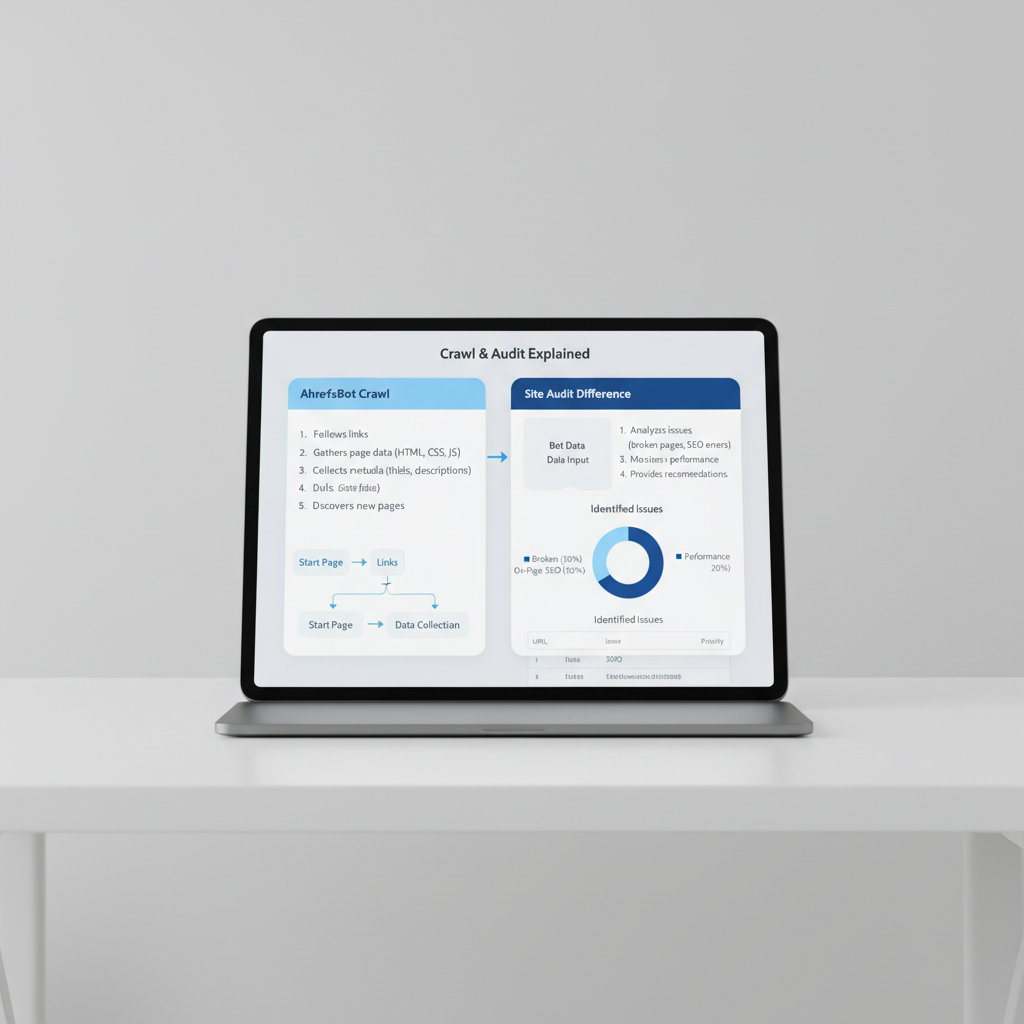
Ahrefs Bot is the main crawler for Ahrefs. Its job is to map out the web by collecting link data, keywords, and technical signals for Ahrefs’ SEO tools. It focuses on backlink profiles and keyword rankings, not indexing content for search engines. According to Ahrefs, the bot crawls about 5 million pages per minute to fuel its link database and keyword research features (source).
Look for the user-agent string "Mozilla/5.0 (compatible; AhrefsBot/7.0; +http://ahrefs.com/robot/)" in your logs to confirm real Ahrefs Bot visits. The bot respects robots.txt rules and crawl-delay directives, so you can control what it crawls and when. Edit your robots.txt file to allow, limit, or block it.
How AhrefsSiteAudit differs
AhrefsSiteAudit is a separate crawler used during Ahrefs’ site audit scans. It checks your site for technical SEO issues like broken links, duplicate content, and slow-loading pages. This bot’s user-agent is "Mozilla/5.0 (compatible; AhrefsSiteAudit/1.0; +http://ahrefs.com/robot/)". It only runs when someone starts a scan in the Ahrefs dashboard, so its crawling is more targeted and temporary.
Both bots are transparent about their identity and purpose. Seeing these user-agents in your logs means you know which tool is crawling your site.
How to verify real vs fake Ahrefs bot traffic
IP and Reverse DNS checks
Just spotting “AhrefsBot” or “AhrefsSiteAudit” in your logs doesn’t guarantee real Ahrefs traffic. Many fake bots spoof these user-agents. To confirm authenticity:
- Check the user-agent for “AhrefsBot” or “AhrefsSiteAudit”.
- Compare the IP to Ahrefs’ published ranges (available on their site).
- Reverse DNS lookup: The hostname must end with
ahrefs.comorahrefs.net. - Forward DNS lookup: The hostname should resolve back to the original IP.
If any step fails, you’re dealing with a fake crawler.
Cloudflare and bot authenticity
If you use Cloudflare, its bot management tools can auto-verify known crawlers like Ahrefs Bot by checking IP and handshake. Set a rule to allow real bots and challenge or block everything else. This approach helps filter out spoofed bots that only match the user-agent but fail IP or hostname checks.
How much does Ahrefs bot crawl? impact on your site
Crawl volume and server load
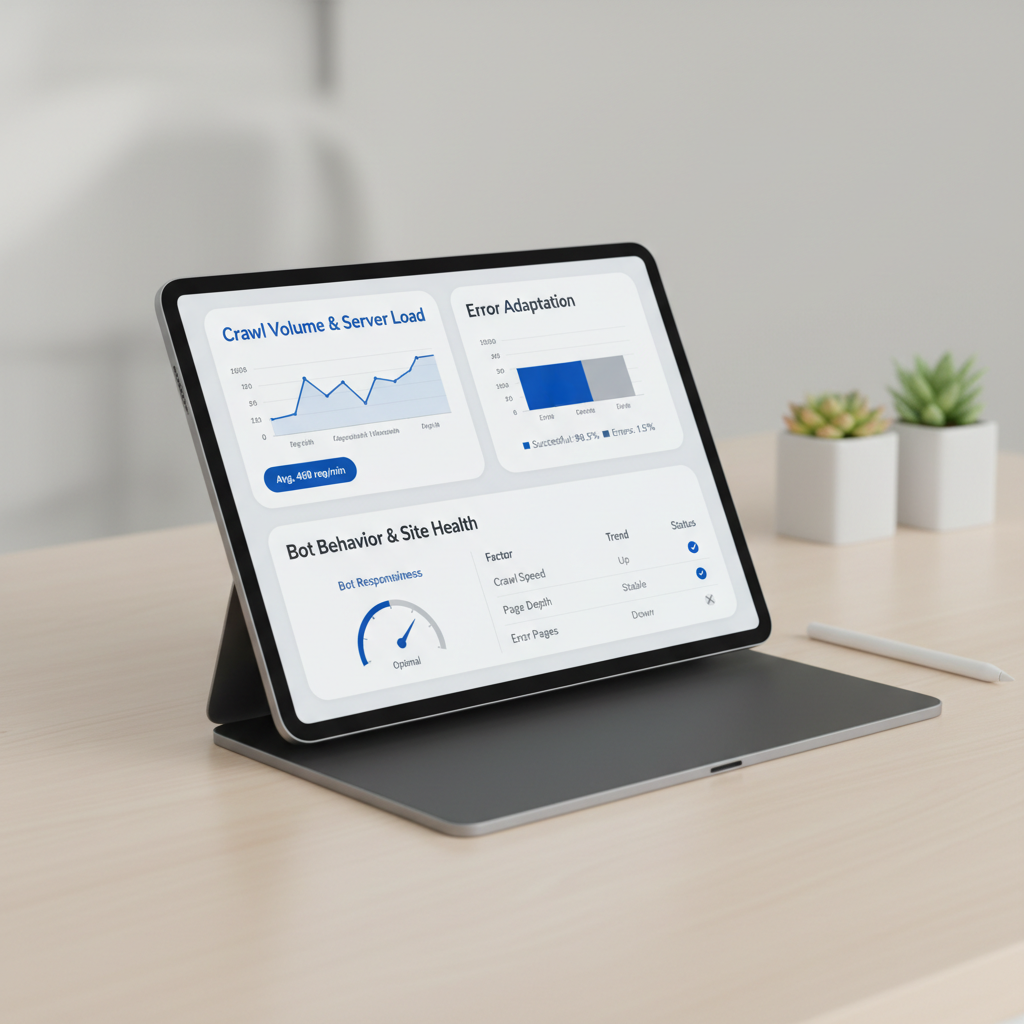
Ahrefs Bot crawls 5 million pages per minute (source). If you run a large site, you’ll notice its activity in your server logs. E-commerce sites with thousands of product pages often see Ahrefs Bot visiting hundreds or thousands of URLs in a session.
For high-traffic sites, this crawl volume can affect bandwidth and server resources. If you’re on shared hosting or have limited resources, a spike from Ahrefs Bot (plus Googlebot and Bingbot) can increase CPU usage or slow your site. Use Cloudflare or similar services to set rules that limit or challenge bots without blocking them outright. Monitor your website status and logs for crawl surges and adjust your settings if needed.
How Ahrefs bot adapts to errors
Ahrefs Bot automatically reduces crawl speed if it encounters 4xx or 5xx status codes (source). For example, if your server returns a burst of 5xx errors, the bot will slow down to protect your bandwidth. This adaptive behavior means you don’t need to micromanage bot activity.
Most sites won’t notice Ahrefs Bot unless they operate at scale. If you see server load spikes, check for crawl surges and adjust your robots.txt or server rules.
How to allow, limit, or block Ahrefs bot with Robots.txt and server rules
Robots.txt rules for Ahrefs bot
Control bot access with your robots.txt file. To block Ahrefs Bot:
User-agent: AhrefsBot
Disallow: /
To allow crawling:
User-agent: AhrefsBot
Allow: /
To slow down Ahrefs Bot:
User-agent: AhrefsBot
Crawl-delay: 10
Ahrefs Bot claims to respect Crawl-delay. To block AhrefsSiteAudit:
User-agent: AhrefsSiteAudit
Disallow: /
Place your robots.txt at your root domain, like https://yourdomain.com/robots.txt. For format details, see Google’s robots.txt documentation.
Advanced blocking: firewall and CDN
If robots.txt isn’t enough, block Ahrefs Bot at the server or firewall. Filter by user-agent string or block their known IP ranges (listed publicly by Ahrefs, but IPs can change). Returning a 403 Forbidden or 429 Too Many Requests status code will make most crawlers, including Ahrefs Bot, back off.
Cloudflare users can set up a bot fight rule to block or challenge Ahrefs Bot’s user-agent. For more control, consider IndexNow to notify partner search engines of updates, reducing the need for aggressive crawling.
Automate your SEO workflow. Seobase researches keywords, generates content, and publishes directly to your CMS, no manual crawling or bot management. Try Seobase →
Ahrefs bot vs Googlebot, Bingbot, and SEO tool crawlers
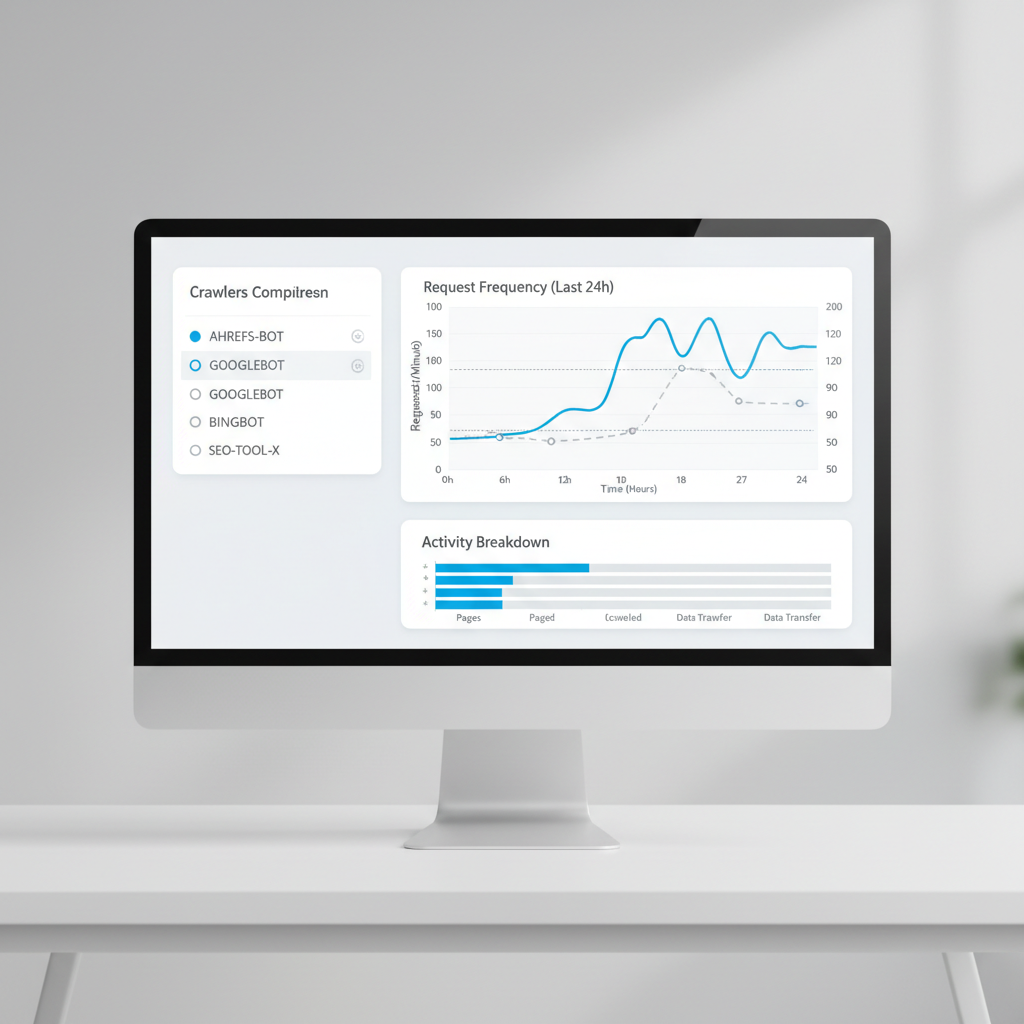
Ahrefs Bot, Googlebot, and Bingbot all crawl your site, but for different reasons.
- Ahrefs Bot: Focuses on mapping backlinks and keyword usage for Ahrefs’ SEO tools. It does not index your content for search results.
- Googlebot: Crawls to index pages, check updates, and fuel Google Search rankings.
- Bingbot: Similar to Googlebot, but for Microsoft Bing.
Crawl rates: Googlebot is the busiest, often hitting large sites thousands of times per day. Bingbot crawls at a lower rate. Ahrefs Bot is active, especially on sites with many backlinks, but is less relentless than Googlebot.
Resource use: Googlebot and Bingbot are optimized to minimize site impact. Ahrefs Bot focuses on link-heavy pages and skips deep internal content unless there’s strong backlink activity.
Robots.txt respect: All three bots read your robots.txt rules and obey disallow directives when set correctly.
Compared to third-party SEO tool crawlers (like SemrushBot or Screaming Frog), Ahrefs Bot is more focused on external signals. Site audit bots crawl your entire site structure, not just popular or linked pages.
For more on SEO automation and content publishing, see Seobase’s features.
Seobase: an automated alternative to manual SEO crawling
How Seobase streamlines SEO
Manual crawling means managing bots, bandwidth, and robots.txt settings. Seobase automates this process. It runs keyword research in the background, pulls from its own backlink index, and creates a content calendar. Approve content, and Seobase writes and publishes articles directly to your CMS, WordPress, Webflow, Shopify, and more.
Seobase also generates AI images and embeds YouTube videos, so every post is ready for readers. Instead of maintaining a separate crawler or worrying about how much Ahrefs Bot crawls your site, Seobase handles audits and backlink checks inside the platform. Its built-in backlink exchange helps you find partners and monitor links without leaving the dashboard.
When to choose automation over manual crawling
If your team spends too much time on repetitive SEO tasks, like site audits, keyword research, or crawl reports, automation is the smarter choice. Seobase is designed for teams who want to focus on strategy, not crawl management.
Manual crawling still makes sense if you need granular control or want to scrape competitor sites outside standard APIs. For most content-driven sites, automating research and publishing with Seobase saves time and reduces complexity.
For more details, visit Seobase’s homepage.
Key takeaways: managing Ahrefs bot and smarter SEO in 2026
Managing Ahrefs Bot comes down to control, verification, and automation. Ahrefs Bot is a major crawler that powers ahrefs.com, but letting fake or aggressive crawlers through can waste bandwidth. Always check the user-agent and IP to confirm you’re dealing with the real bot.
Use your robots.txt file or firewall rules to guide or limit Ahrefs Bot. For example, a Disallow directive in robots.txt blocks the bot from specific folders. Firewalls let you block by user-agent or IP range for more control.
Don’t set and forget. Fake user agents are common in 2026. Confirm IPs match official Ahrefs ranges, not just the name in your logs. Spikes in crawl volume often signal a problem.
For most sites, automating SEO is more efficient. Seobase handles keyword research, content planning, and publishing, so you don’t have to worry about rogue bots or complex rules.
Control your crawl and own your SEO. This keeps your site fast, secure, and moving up in search.
Frequently asked questions
What is Ahrefs bot and what does it do?
Ahrefs Bot is a web crawler operated by Ahrefs. It scans websites to collect backlink, keyword, and site audit data for Ahrefs’ SEO tools and Yep.com search engine.
How can I block or allow Ahrefs bot on my website?
Edit your robots.txt file. Use User-agent: AhrefsBot followed by Disallow: / to block or Allow: / to permit crawling.
How do I verify if Ahrefs bot traffic is legitimate?
Check the user-agent for “AhrefsBot,” confirm the IP is in Ahrefs’ published ranges, and use reverse DNS to ensure it resolves to ahrefs.com or ahrefs.net.
What is the difference between Ahrefs bot and AhrefsSiteAudit?
Ahrefs Bot gathers backlink and keyword data. AhrefsSiteAudit scans sites for technical SEO issues. Each uses a distinct user-agent string.
Does Ahrefs bot respect robots.txt and crawl-delay settings?
Yes, Ahrefs Bot follows robots.txt directives and honors crawl-delay instructions to slow down crawling if requested.
How can I reduce the crawl rate of Ahrefs bot?
Set a crawl-delay in your robots.txt file or return 4xx/5xx status codes temporarily. This signals Ahrefs Bot to slow its crawling speed.
Why is Ahrefs bot crawling my site?
Ahrefs Bot crawls public websites to update its backlink and keyword index, which powers Ahrefs’ SEO tools and Yep.com search results.
How does Ahrefs bot compare to Googlebot or Bingbot?
Ahrefs Bot focuses on SEO data collection. Googlebot and Bingbot crawl for search engine indexing. All respect robots.txt, but their crawl rates and goals differ.
For more SEO automation tips and guides, check out Seobase’s blog and features overview.
Leave a Reply