Moz vs Ahrefs: which seo tool wins your budget in 2026?
On this page
- The quick verdict: which tool fits your workflow
- At a glance: Moz vs Ahrefs comparison
- Backlink analysis and database scale
- Keyword research and search intent depth
- Technical seo and site auditing
- Pricing models and long-term ROI
- Which tool should you actually buy?
- Automating your seo workflow beyond manual research
- Final thoughts on your seo toolkit
- Frequently asked questions
You’re staring at two pricing pages, trying to figure out which tool actually earns a spot in your stack. The Moz vs Ahrefs debate usually comes down to one tension: how much depth do you need versus how much complexity you can stomach?
Here’s the short version: Ahrefs wins for power users who live in backlink analysis and rank tracking all day, while Moz fits beginners who want clean domain authority scores without wading through a dozen menus. Neither is objectively “better,” just better suited to how you actually work.
Below, we break down data quality, feature depth, and cost, so you can decide which one earns a place in your seo tools lineup.
The quick verdict: which tool fits your workflow

If you’re short on time, here’s the whole debate in one sentence: Ahrefs wins on raw power, Moz wins on simplicity, and your choice comes down to whether you need a scalpel or a sledgehammer.
Picture two site owners. One runs an agency juggling 40 client sites and needs to pull backlink analysis reports before every retainer call. The other runs a single local bakery site and just wants to know why a competitor outranks them for “gluten free cakes near me.” Same category of tool, completely different jobs. That’s the real story behind any moz vs ahrefs comparison, and it’s why so many “seo ahrefs vs moz vs” searches end up frustrated with a generic feature list instead of a real answer.
Go with Ahrefs if you live in the data
Ahrefs built its reputation on depth. Its index of referring domains is massive, and features like Site Explorer let you slice backlink data by anchor text, link type, and traffic value in the same view. If your job involves keyword research at scale, competitive gap analysis, or building reports that need to survive a skeptical client’s scrutiny, this is the tool that won’t make you feel boxed in.
That depth comes with a learning curve and a heavier price tag. Agencies and in-house SEOs who bill by results tend to absorb both without blinking, because the alternative (guessing at link quality or keyword difficulty) costs more in wasted time.
Go with Moz if you want answers, not a training course
Moz trims the same core job (rank tracking, link data, site audits) down to something a beginner can open and actually use on day one. It’s also the tool that put domain authority on the map, a metric that, love it or hate it, gives small business owners a quick gut-check score instead of a spreadsheet full of raw numbers.
That simplicity is the whole pitch. If you’re a solo marketer or a small business owner who wants a dashboard that doesn’t require a manual, Moz gets you moving faster.
The actual decision rule
Skip the spec-sheet rabbit hole and ask yourself one question: are you optimizing for scale or for speed of understanding?
- Choose Ahrefs if you manage multiple sites, need enterprise-grade backlink analysis, or compete in a niche where every one of your rivals is already running Ahrefs, Semrush, or similar heavyweight seo tools.
- Choose Moz if you’re new to SEO, working solo, or just need clean, digestible metrics without wading through advanced filters.
Either pick beats not tracking your data at all. The wrong pick just means paying for horsepower you’ll never use, or outgrowing a tool three months in.
At a glance: Moz vs Ahrefs comparison
| Feature | Moz Pro | Ahrefs |
|---|---|---|
| Starting Price | $99/month | $99/month |
| Index Size | ~43 trillion links | ~12 trillion links |
| Keyword Database | ~1.25 billion keywords | ~7 billion keywords |
| Site Audit | Yes | Yes |
| Backlink Checker | Yes | Yes |
| SERP Updates | Weekly | Daily |
| Free Trial | 30 days | 7 days ($7) |
| UI Complexity | Simple | Advanced |
| Best For | Beginners, SMBs | Agencies, Power users |
Backlink analysis and database scale
Ahrefs gives you raw scale. Their backlink analysis runs on a multi-billion keyword database, which means you’ll catch links and referring domains from places most smaller tools miss. For big sites pushing into new markets, this depth matters. Picture a 100,000-page ecommerce store: Ahrefs will surface obscure links from regional blogs and niche forums that never show up in lighter indexes.
Moz takes a different route with roughly 500 million keywords tracked. It’s not as broad as Ahrefs, but for targeted keyword research and focused backlink checks, it’s enough. If you’re mostly working with US-based or English-language SEO, Moz covers the core ground without the noise that comes from a global firehose.
DR vs DA: What’s the difference?
You’ll see Domain Rating (DR) in Ahrefs and Domain Authority (DA) in Moz. Both try to score how strong a website is for SEO, but they do it their own way. DR weighs the number and quality of referring domains, updating its math as the index changes. DA uses its own model, looking at both links and the trust Moz assigns to sources. Don’t swap them one-for-one. Comparing DR 60 to DA 60 is apples to oranges.
Crawling frequency and data lag
Crawling speed sets these tools apart. Ahrefs crawls the web more often, so you’ll spot new backlinks and lost links faster, sometimes within hours for big sites. Moz can lag by days or even a week, which means you might miss a hot backlink window if you’re doing fast-moving link building or rank tracking. If you’re chasing fresh data, that gap matters.
Bottom line: If you want massive backlink analysis and up-to-the-minute data, Ahrefs wins on scale and speed. If you need targeted research with less noise, Moz is simpler and more focused. Choose based on the size of your site and how often you need fresh data.
Keyword research and search intent depth
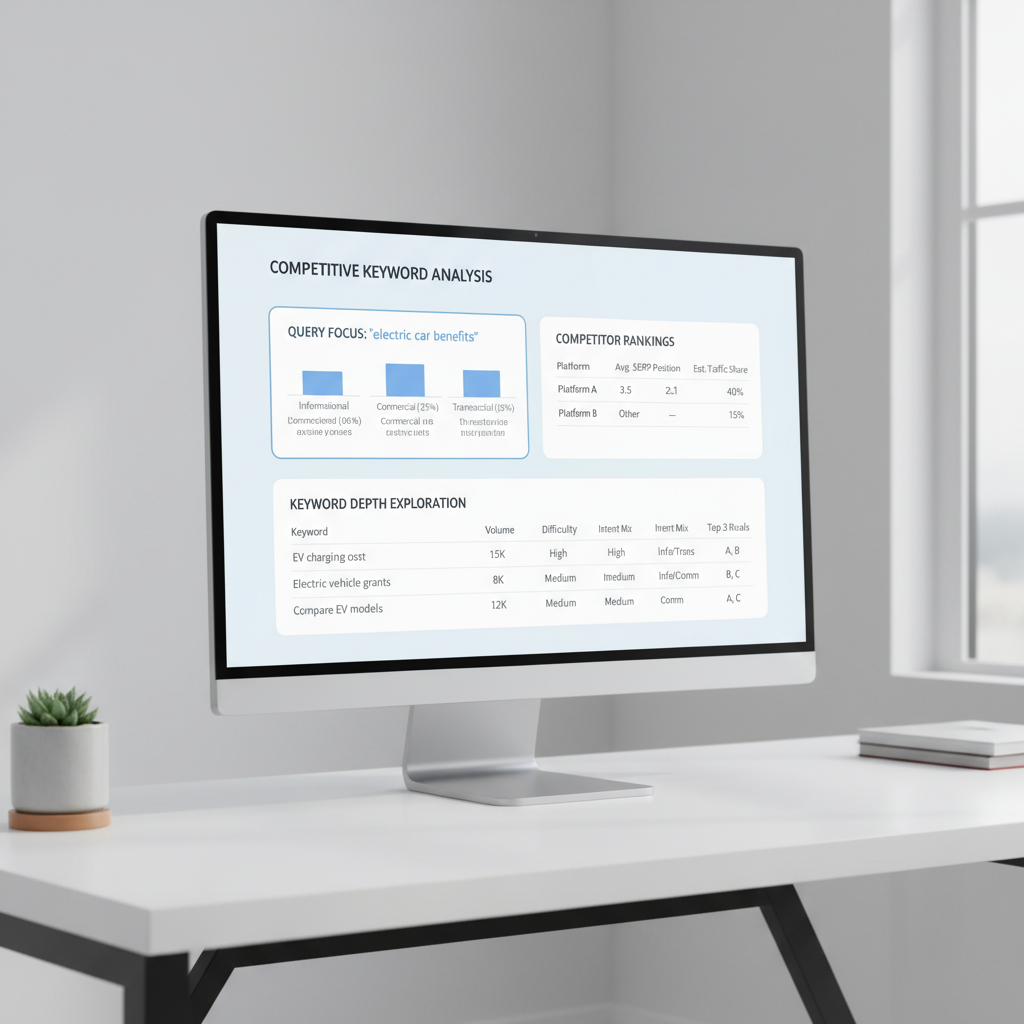
If you want keyword research that goes beyond surface-level suggestions, Ahrefs is the clear winner for depth and actionable data. You get real numbers for traffic value and PPC cost estimates on every keyword, which helps you spot terms that actually drive business, not just clicks. For example, you’ll see that “buy running shoes online” might show a lower search volume than “running shoes,” but a way higher traffic value, so you know where to focus your time.
Moz makes keyword research friendly for new users. Its Keyword Explorer serves up easy-to-understand keyword suggestions and organizes them by relevance and difficulty. If you’re just starting or want to build a seed list fast, Moz keeps the process simple. But the numbers tend to be less granular, so you don’t get the same commercial intent insights as Ahrefs.
When it comes to keyword gap analysis, Ahrefs, Moz, and SEMrush all let you compare your site with competitors to find keywords you’re missing. But Ahrefs’s Content Gap tool feels more robust for large sites. It lets you filter by “all competitors rank, but you don’t,” so you can surface high-impact opportunities in seconds. Moz’s version is easier to use but sometimes misses edge-case keywords unless you add competitors manually.
For local SEO and search intent, Moz’s “local pack” intent tagging is handy for spotting keywords that trigger map results, great if you’re optimizing for brick-and-mortar. But Ahrefs’s data set usually picks up more location-specific queries, so you catch long-tail terms like “best tacos in Austin open late.”
Bottom line: Go with Ahrefs if you care about traffic value, PPC crossover, or deep competitive gaps. Pick Moz if you want a straightforward keyword brainstorm or you’re new to SEO tools. If you’re comparing all three (Ahrefs, Moz, SEMrush), Ahrefs edges ahead for depth, especially for e-commerce or aggressive content marketing.
Technical SEO and site auditing
Ahrefs gives you a full technical SEO audit that digs deep. Their Site Audit tool crawls every page like a search engine, flagging issues with crawl budget, internal linking, duplicate content, and more. You get details on redirect chains, orphaned pages, and even JavaScript rendering quirks. For big sites, the crawl is fast and the export is instant, so you can hand a list of action items to your dev team without waiting overnight.
Moz takes a different approach. You get a user-friendly site audit that highlights critical and easy-to-fix problems right up front. Think missing title tags, broken links, or thin content. The dashboard puts “High Priority” issues at the top, so you can knock out quick wins before tackling deeper technical debt. If you’re less technical, Moz’s explanations help you understand what each fix means for your site.
Looking at SERP volatility, only Ahrefs offers a real-time SERP changes index. You see when Google’s algorithm is shaking things up and which niches are most affected. Moz tracks updates, but Ahrefs shows you the volatility in a chart, so you can spot if a ranking drop is your fault or just a Google shuffle. That context matters when you’re reporting to a client.
Bottom line: For a massive e-commerce site with 20,000+ pages, Ahrefs is the call for deep technical fixes and crawl budget control. For a local business or someone new to technical SEO, Moz makes it painless to spot and fix what matters. Choose the tool that matches your tech comfort and the complexity of your site.
Pricing models and long-term ROI
Budget dictates a lot of this decision before features even enter the conversation. Moz built its plans around solo consultants and small in-house teams, so the entry tier stays approachable even when the checking account is tight. Ahrefs takes the opposite approach: the sticker price moves with how much data you actually pull, not just which plan tier you pick.
Why Ahrefs costs more as you scale
Ahrefs ties cost to usage. Rank tracking more keywords, running deeper backlink analysis, or pulling larger batches of referring domains all eat into monthly credits faster than a light user would expect. A fre
Which tool should you actually buy?
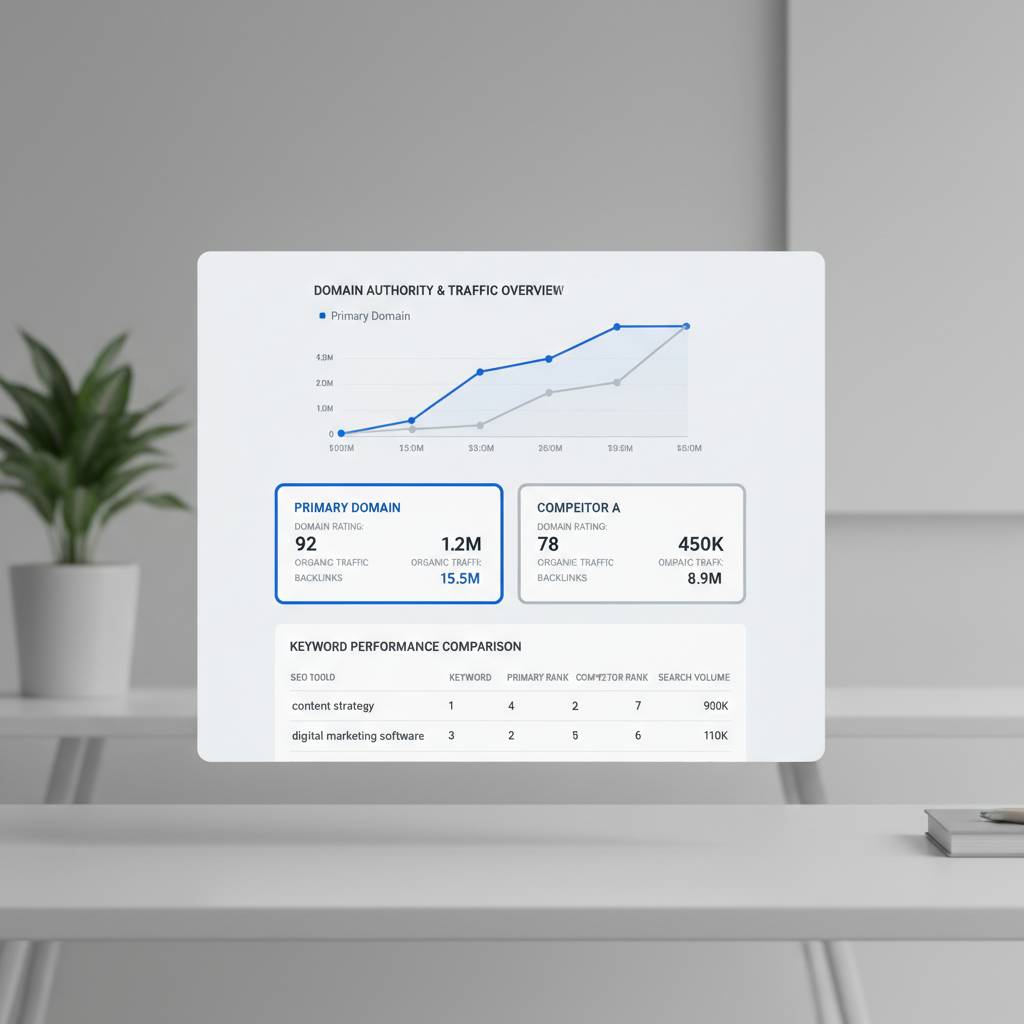
If you run an agency that handles multiple clients or needs to monitor large sites, Ahrefs is your best bet. The scale of data you get, like tracking millions of backlinks or comparing hundreds of referring domains, just isn’t matched by Moz. For example, Ahrefs lets you filter backlink profiles by link type, anchor, and even new vs. lost links, which comes in handy when clients ask for detailed reports or quick turnarounds. You also get strong tools for keyword research and competitive backlink analysis, the stuff agencies live on.
Running a solo blog or a small business? Go with Moz. The interface is simpler, and you won’t pay for data you’ll never use. Moz’s Domain Authority metric is still widely quoted, and its rank tracking tools are more than enough for a single site or two. If you’re mostly focused on improving your own rankings rather than dissecting competitors at scale, Moz keeps things manageable, and affordable.
Bottom line: Match the tool to your workload. Big teams and big data: Ahrefs. Small ops with tight budgets: Moz. Picking the right fit saves money and headaches.
Automating your SEO workflow beyond manual research
Manual SEO research is a grind. You bounce between tools like Ahrefs, Moz, and SEMrush, copy-paste keyword lists, and try to sync findings with your content calendar. It’s easy to slip. Publishing gets sporadic, and you lose momentum just chasing data instead of pushing live content. That’s where workflow automation actually matters.
Seobase closes this gap by automating the entire pipeline from keyword discovery to hitting publish. Instead of toggling between backlink analysis in Ahrefs or Moz and then building posts in WordPress, Seobase gives you a single dashboard. You set your topics, and it pulls keyword clusters, checks domain authority and referring domains, and even schedules your drafts for publishing. Fresh discussions get surfaced automatically, so you’re never chasing last month’s trends.
Here’s a concrete example: Let’s say you want to rank for “SEO tools” and spot a surge in questions about Ahrefs vs Moz. With Seobase, you don’t just get the usual keyword suggestions, you get a prioritized list that already factors in search intent and current competitor gaps. The system can auto-generate a brief, assign it to your writer, and line up the post for publishing once it’s approved. No more bottlenecks.
This kind of automation bridges the old wall between research and action. Your data analysis turns into real, scheduled content, and you keep pace with the search landscape without getting bogged down by manual steps. The result: consistent output, fewer missed opportunities, and a workflow that finally matches how fast SEO moves.
If you’re still hopping between Ahrefs, Moz, and other platforms, consider how much time you lose on grunt work. Tools like Seobase don’t just automate, they keep you competitive by making sure your insights turn into live content, not just forgotten spreadsheets.
Want more on tool matchups? Check out Ahrefs vs KWFinder: which SEO tool wins for 2026? for a hands-on comparison.
Final thoughts on your SEO toolkit
If you need deep backlink analysis and granular keyword data, Ahrefs is the heavyweight. Its referring domains and link growth charts go deeper than most, and you can pull competitor insights that would take hours by hand. But it’s not the friendliest tool for beginners.
Moz keeps things straightforward. If you mostly care about basic rank tracking, domain authority checks, and quick keyword research, Moz’s interface is faster to learn. You’ll trade some depth for speed. Sometimes that’s exactly what you want.
Match your tool to your comfort level. If you’re just starting out, Moz’s guided workflows will save you a lot of confusion. If you’re already comfortable poking around in advanced filters and exporting custom reports, Ahrefs opens up more options.
Before picking, audit how you actually do keyword research. For example: if you only need to track 20-50 keywords and check which sites link to you, Moz is enough. If you need to break down the anchor text profile of a competitor with thousands of referring domains, Ahrefs is the right call.
No need to overcomplicate your stack. Pick the one that fits your current process, then grow into the rest as your SEO skills level up.
Frequently asked questions
Why do Moz and Ahrefs show different backlink counts?
The discrepancy exists because each tool uses its own proprietary crawler and database. Ahrefs typically has a larger, more frequently updated crawl index, while Moz uses its own unique methodology for calculating Domain Authority (DA). Differences in how they identify and categorize referring domains lead to varying totals.
Is Moz pro worth it for small businesses?
Yes, for many small businesses, Moz Pro is a highly cost-effective entry point. It provides essential SEO metrics like DA and keyword tracking without the high price tag and steep learning curve associated with more advanced enterprise-level tools like Ahrefs.
Does Ahrefs provide PPC data?
Yes, Ahrefs includes valuable paid search data. This allows users to see which keywords competitors are bidding on in Google Ads, providing a clearer picture of both organic and paid search landscapes, which is a significant advantage over basic SEO tools.
Which tool is better for technical SEO audits?
Ahrefs is generally considered superior for deep technical SEO audits due to its granular reporting on crawl budget efficiency and site architecture. Moz is excellent for quick, high-level health checks but lacks the same level of technical depth for complex sites.
Can I track local keywords effectively in Moz?
Moz offers solid local SEO capabilities, but Ahrefs often provides more granular data for niche and low-volume local keywords due to its massive database. The best choice depends on whether you need broad local trends or hyper-specific niche data.
Leave a Reply